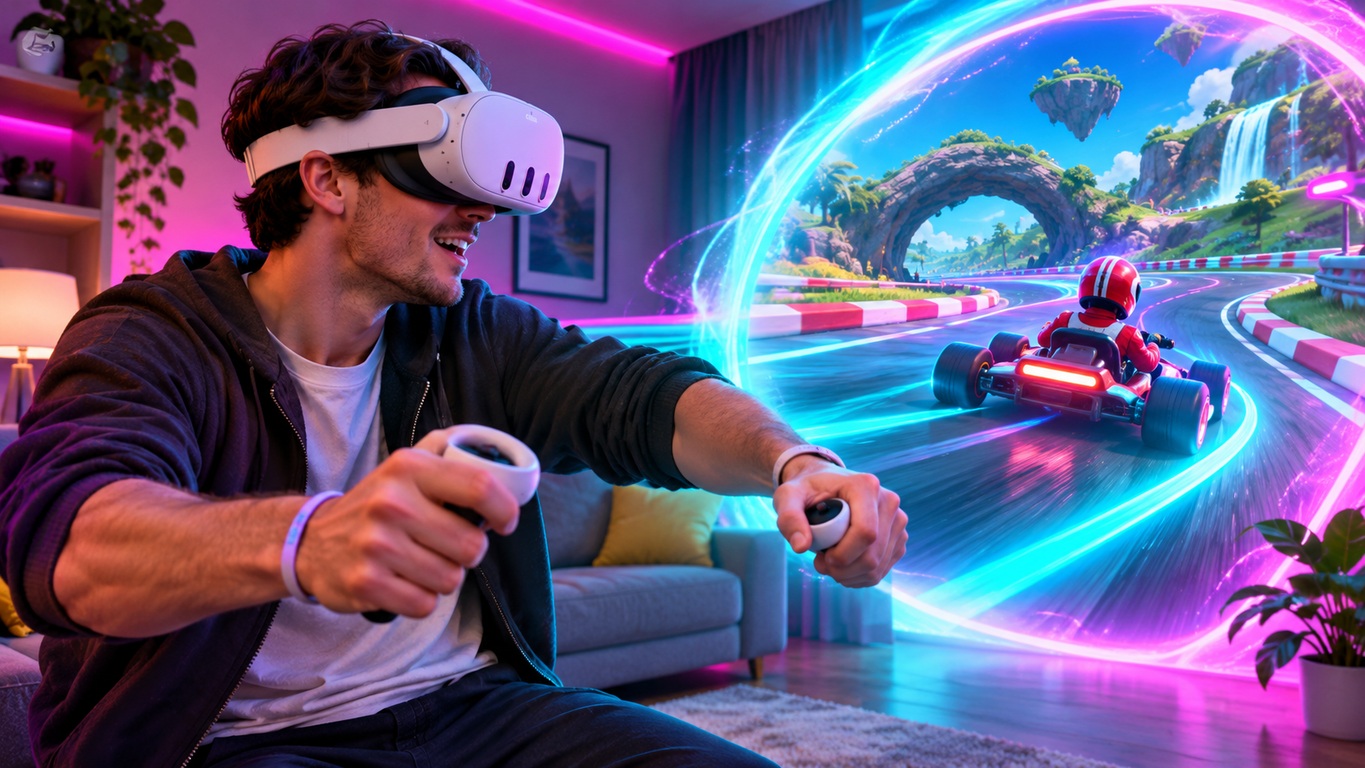
When you turn your head in a mixed-reality game, virtual objects should appear to stay where they belong. When you release a bowling ball or steer a kart, the game should respond without distracting pauses. These seemingly simple expectations depend on mixed reality gaming performance.
On Meta Quest 3 and Quest 3S, the headset runs the game without needing a gaming PC. That makes efficient use of its hardware particularly important. Here is what frame rate, latency and optimisation mean for the games you play.
1. Frame Rate and Refresh Rate Are Not the Same
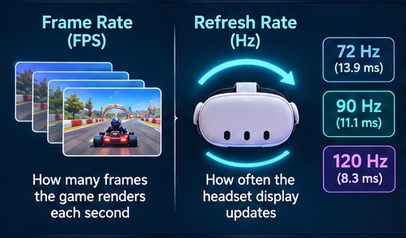
Frame rate (FPS) measures how many images a game renders each second. Refresh rate, measured in hertz (Hz), describes how often the headset display updates. They are related, but they are not interchangeable.
For example, at 72 Hz a new display update occurs approximately every 13.9 milliseconds. At 90 Hz that interval falls to 11.1 milliseconds, and at 120 Hz it is just 8.3 milliseconds. A game rendering a fresh image for every refresh must meet increasingly tight deadlines.
Both Quest 3 and 3S support these three refresh rates. Actual rates depend on the application and device configuration. Meta's refresh-rate documentation explains the supported modes and their performance implications. A higher number on a headset specification is not a guarantee that every game runs at that rate.
2. Why Stable Frame Timing Matters More Than a High Average
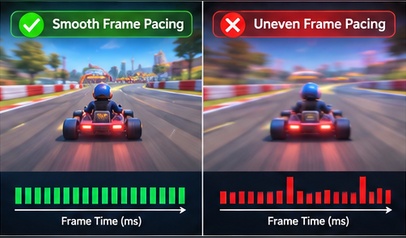
Two games can report the same average FPS but feel different. One might deliver images at regular intervals, while the other alternates between fast frames and noticeable pauses. This variation is known as uneven frame pacing.
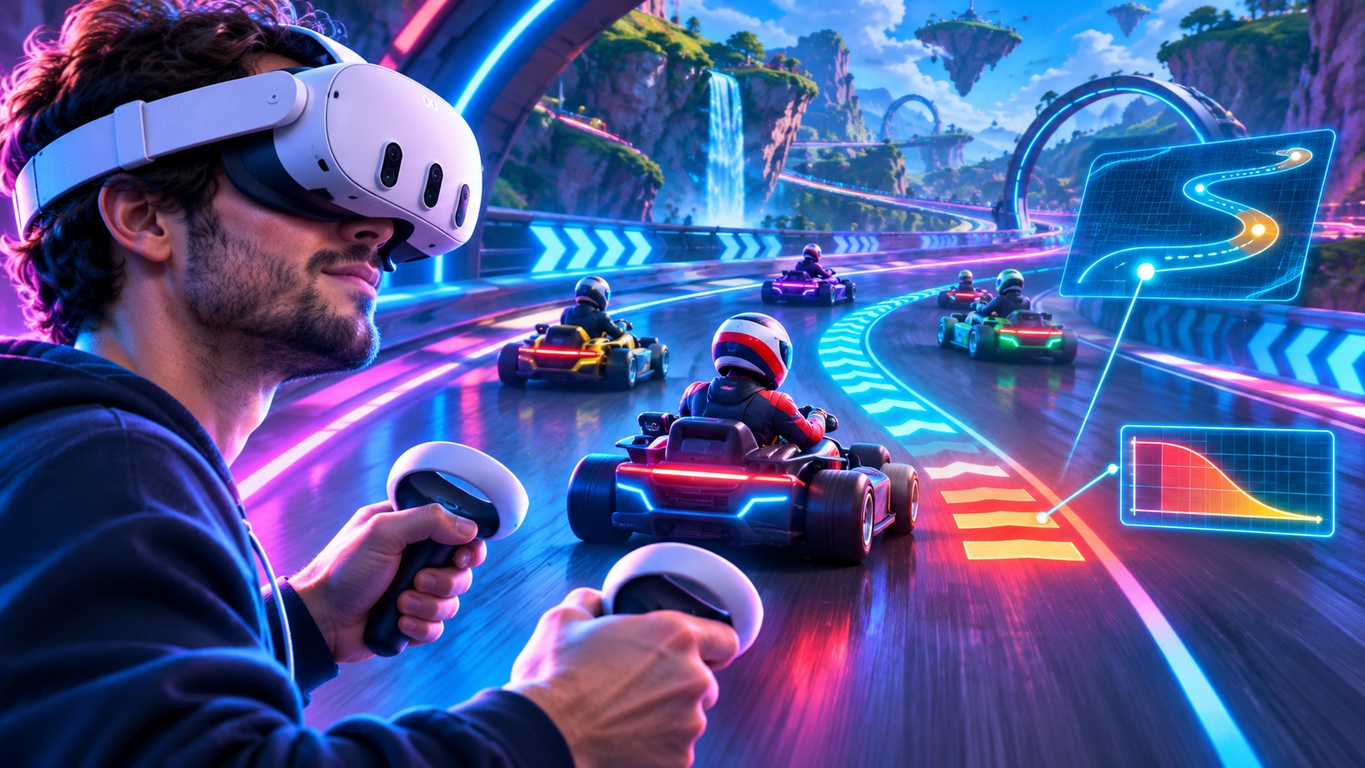
In a racing game, a brief interruption as you approach a corner can disrupt your sense of speed. In bowling, it may make the ball harder to follow. In an active headset experience, unstable visuals can also contribute to discomfort for some players.
Quest software includes mechanisms that help reduce the visual effects of missed frames. However, these cannot replace a consistently responsive game. Smoothness depends on the timing of individual frames as well as the average number produced.
3. What Is Latency and Why Does It Affect Gameplay?
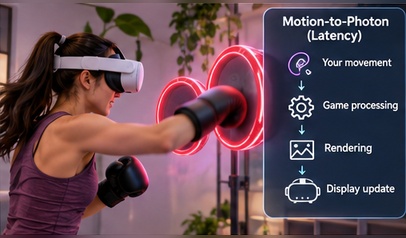
Latency is a delay between an event and its visible or audible result. In VR and mixed reality, motion-to-photon latency describes the time between physical movement and the corresponding visual update reaching the eyes.
Controller tracking, game logic, rendering and display processing all influence responsiveness. A high frame rate helps, but it does not automatically remove every source of delay.
Consider Nexus Arcade's boxing mitt training: the challenge involves responding to virtual targets. Clear timing and immediate-feeling feedback help players understand the result of their actions. The same principle applies to steering in racing and releasing a virtual bowling ball.
4. Why Mixed Reality Can Be Demanding on Standalone Headsets
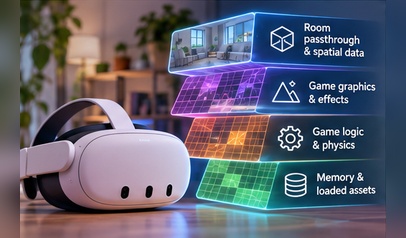
A standalone headset has to balance several tasks: tracking, game simulation, graphics, audio and operating-system services. Mixed-reality applications can also make use of passthrough and spatial information, with additional costs depending on the features involved.
Complex lighting and effects can increase graphics work. Physics, artificial intelligence and object management can demand more processor time. Textures, models and loaded environments also consume memory, while prolonged activity can increase heat and power use.
These are different problems. Low FPS is not automatically evidence of insufficient memory, and reducing texture sizes will not necessarily fix slow game logic. Developers need measurements to identify the real cause. For more context, see our guide to how mixed reality games work.
5. How Developers Optimise Mixed Reality Games
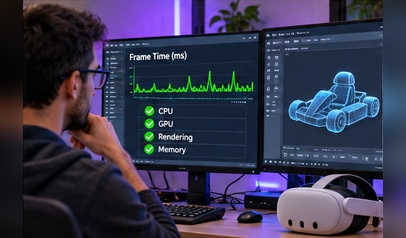
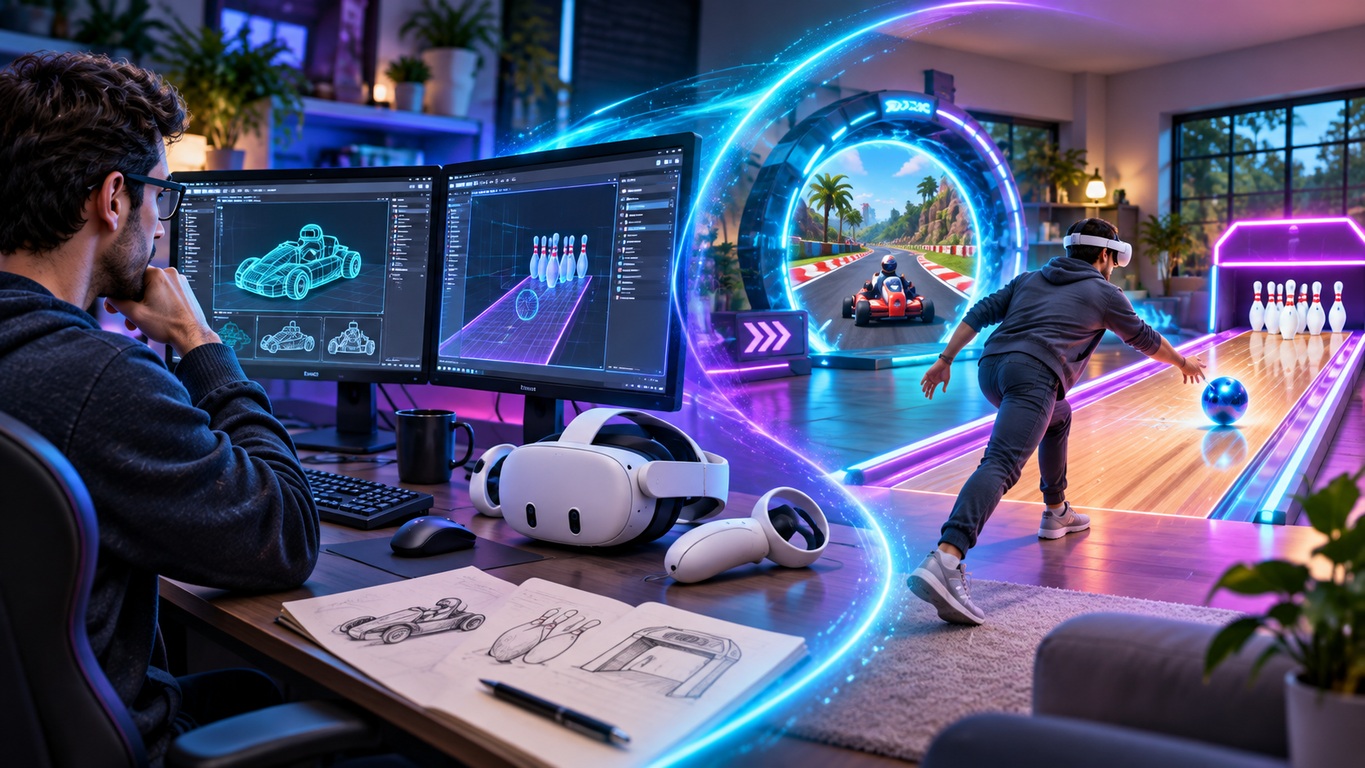
Optimisation begins with profiling: measuring where a game spends its time. Tools such as Unity Profiler and Meta's performance utilities help identify whether the CPU, GPU or another part of the system is limiting performance.
Depending on the results, developers might simplify distant models, reduce expensive visual effects, reuse frequently created objects or unload environments that are no longer needed. Loading assets in advance can reduce waiting, but it must be managed carefully to avoid introducing new pauses during gameplay.
Meta also provides Application SpaceWarp for suitable content. It can synthesise intermediate frames while the game renders at half the display refresh rate, although visual artefacts and suitability still need testing. See Meta's frame recovery guidance.
Nexus Dev Studio, the development team behind Nexus Arcade, works on VR and mixed-reality development, where profiling and testing on the intended hardware help balance visual quality with responsiveness.
6. What Smooth Performance Means for Arcade Players
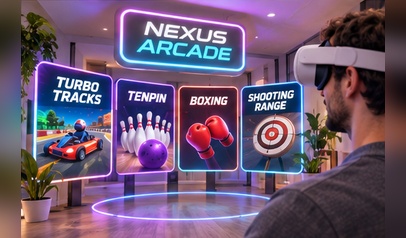
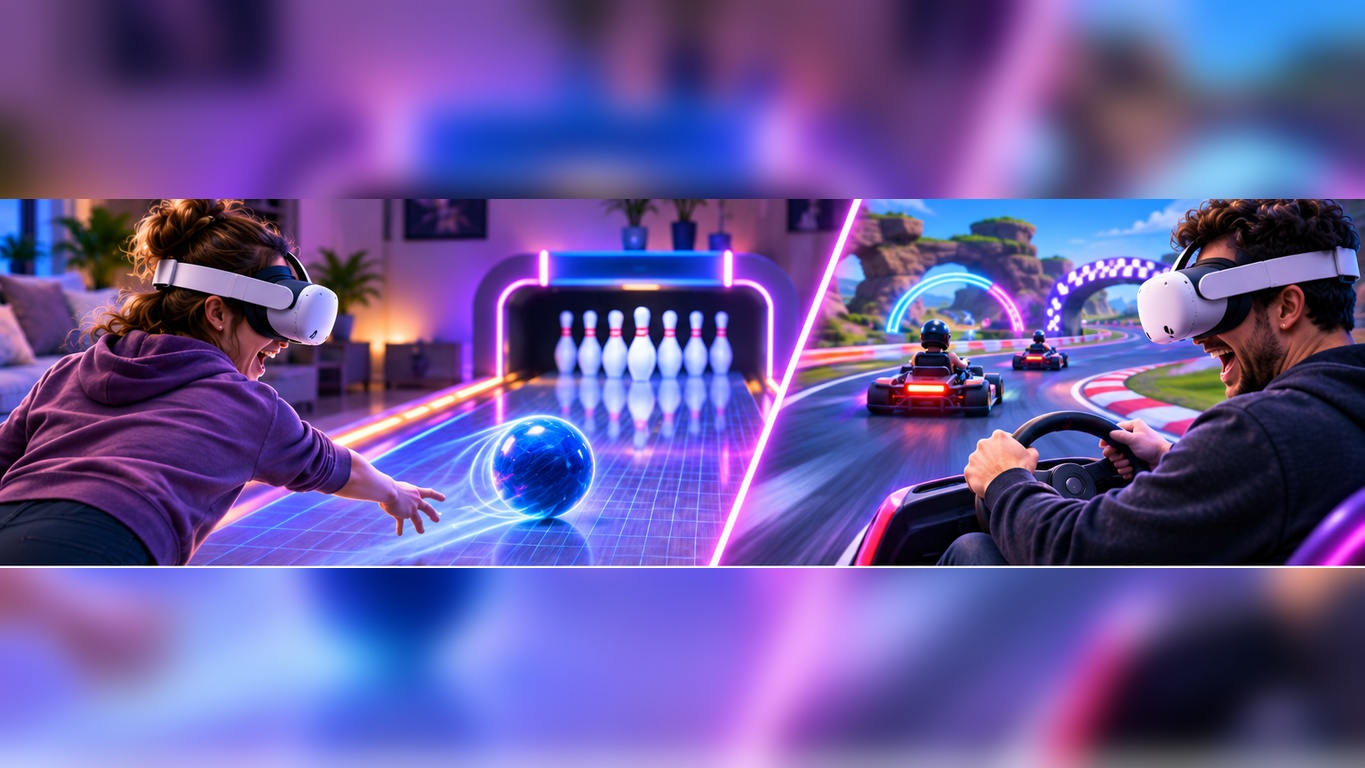
Different games place different demands on a headset. Turbo Tracks presents a moving virtual racing environment, while Tenpin bowling relies on understandable ball movement and pin reactions. Racing also has computer-controlled opponents, explored in our racing AI guide.
For players, the useful test is whether movement looks consistent, controls feel responsive and transitions between activities are understandable. Keep your headset and games updated, avoid covering ventilation openings and take a break if you experience discomfort. Report persistent stuttering with the headset model, game mode and circumstances so developers can investigate.
Both Quest 3 and Quest 3S can offer enjoyable mixed-reality experiences. Our Quest headset comparison explains the broader differences between them.
Good performance is not simply about chasing the highest FPS. It is about delivering predictable movement, responsive interactions and a consistent experience throughout a gaming session.
Ready to explore mixed reality? Download Nexus Arcade free on the Meta Horizon Store for Quest 3 and Quest 3S and discover racing, bowling, boxing and shooting in one arcade.