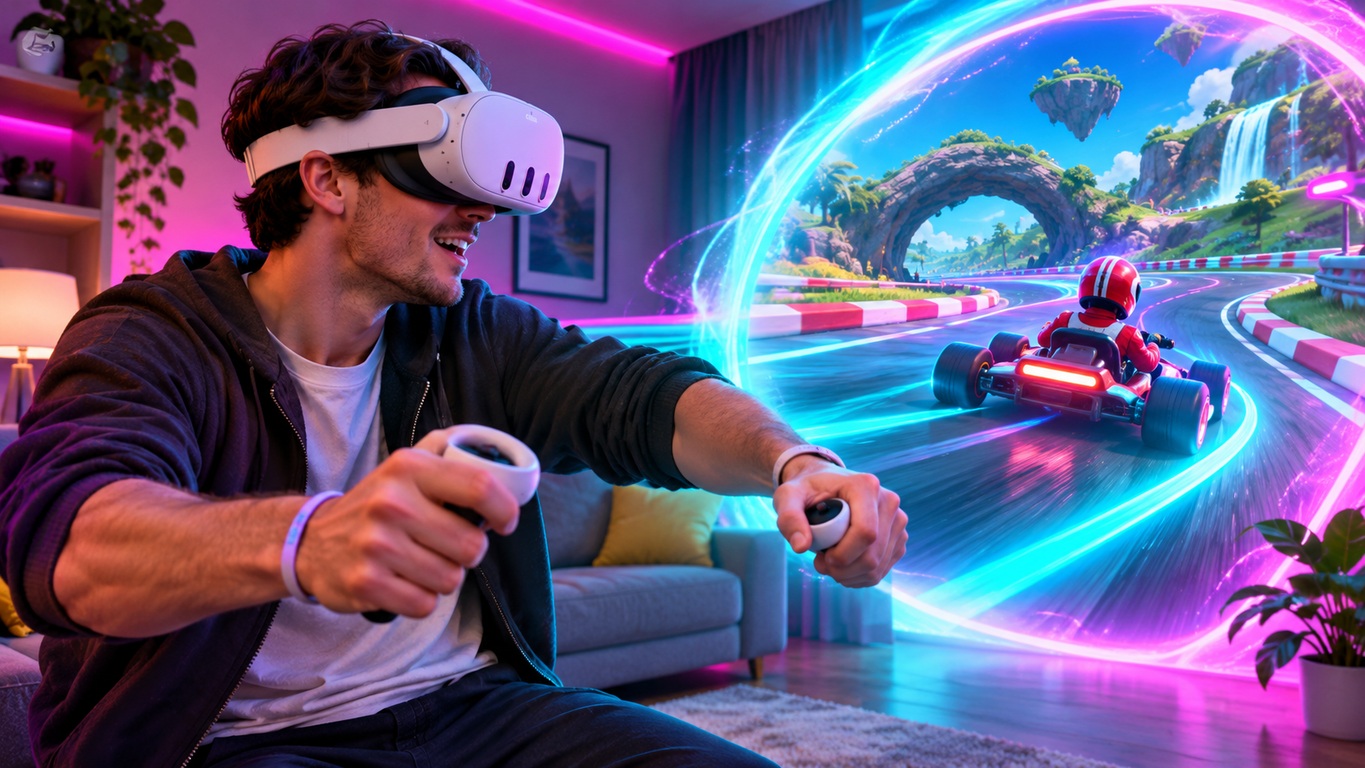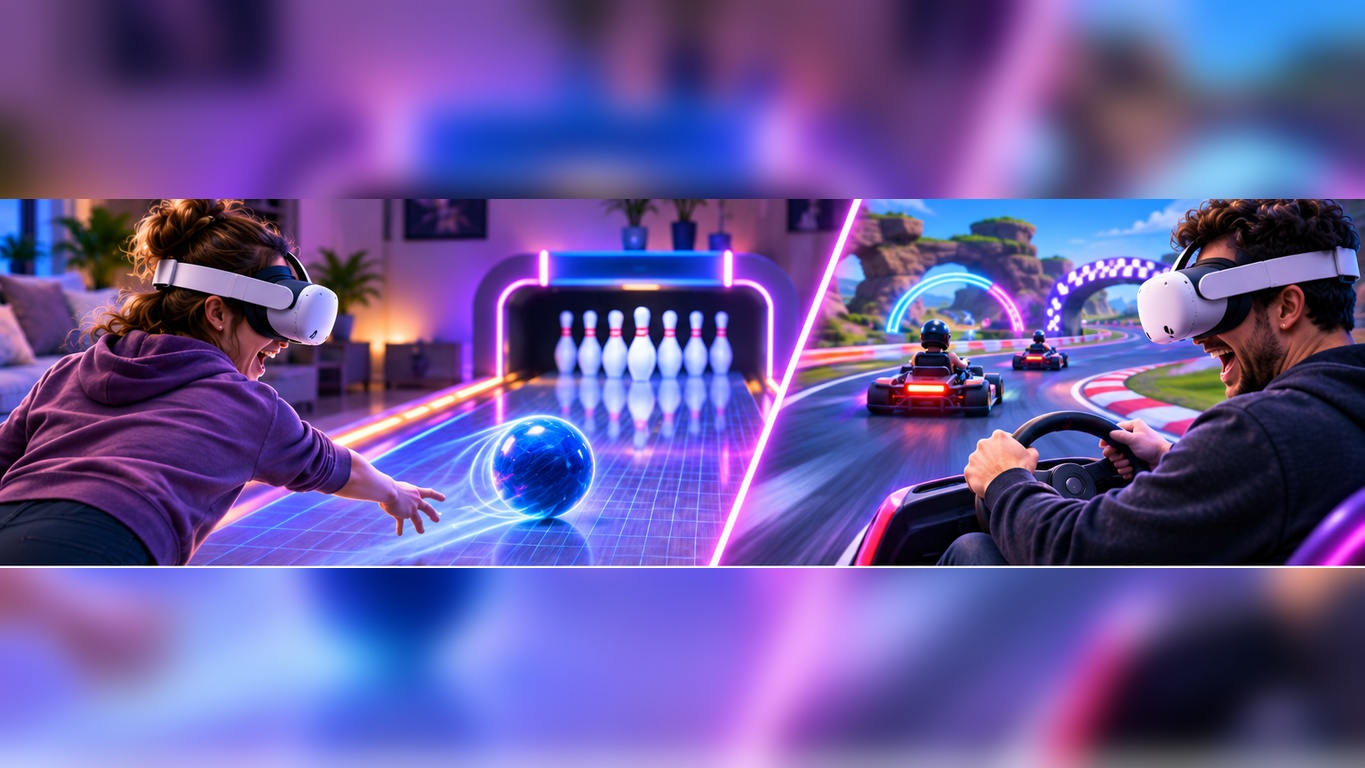
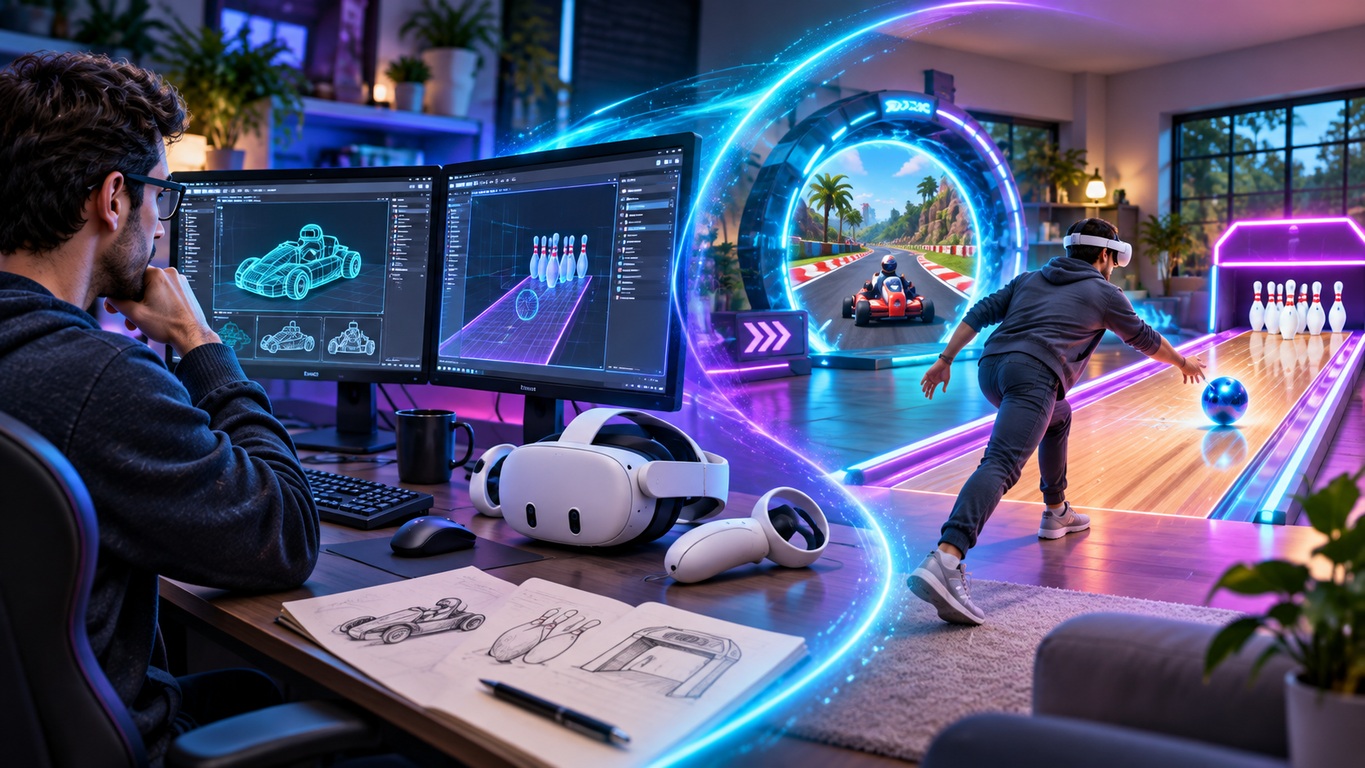
Turning a living room into a playable arcade takes more than placing a few 3D models in front of a camera. A mixed-reality game must work with real spaces, respond to physical movements and run comfortably on a standalone headset. So how does an idea become a game you can actually download for Meta Quest 3 or Quest 3S?
Here are six stages of mixed reality game development, using Nexus Arcade's activities as examples of the design challenges involved.
1. Start with the Gameplay, Not the Technology
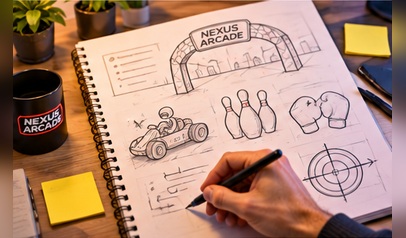
Before choosing software or creating artwork, developers need to decide what the player will actually do. A bowling game revolves around picking up a ball, releasing it and seeing the result. A racing game focuses on driving, competition and completing a course.
The repeated sequence of actions and feedback is known as the core gameplay loop. In mixed reality, the design also needs to consider where the activity belongs in the physical room, how players reach it and whether the surroundings improve the experience.
A useful first milestone is a small playable prototype that proves the central interaction before the team invests in detailed environments, characters or progression systems.
2. Build a Working Prototype in a Game Engine
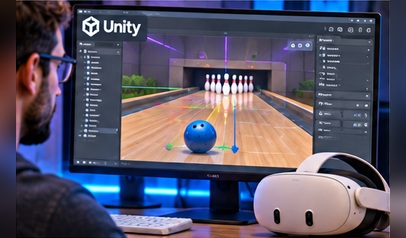
Game engines such as Unity give developers tools for building scenes, importing 3D assets, scripting behaviour and simulating physics. Unity commonly uses C# for gameplay programming, while Meta's XR tools provide access to headset capabilities.
A Quest project needs the appropriate Android build settings and XR configuration. Meta supports Unity development with OpenXR and its XR SDKs; teams should check compatible versions before configuring a new project.
Early prototypes often use simple shapes instead of finished graphics. A plain sphere and a few basic pins can reveal whether a virtual throw feels intuitive. Meta's Unity development overview explains the platform tools available for building these experiences.
3. Design Interactions That Work in Real Rooms
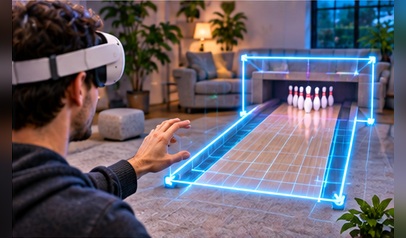
A mixed-reality developer cannot assume every player has an identical room. Furniture, lighting and available floor space vary. Menus must be readable, targets must be comfortably reachable and players need a way to position or adjust content when appropriate.
Meta's XR tools offer capabilities such as passthrough, scene queries and spatial anchors. Developers choose which features to use according to the game, rather than adding every available technology.
For example, Tenpin bowling brings a virtual lane into the player's surroundings, while Turbo Tracks connects the arcade to virtual racing courses through a portal. These are different spatial design problems. Our guide to how mixed reality games work explains the underlying technology in more detail.
4. Add Game Rules, Progression and Multiplayer
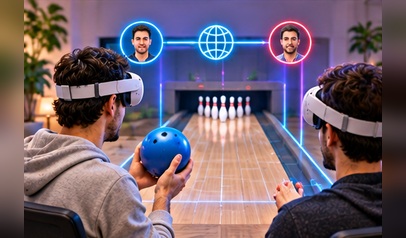
Once the central interaction works, developers can add rules, scoring, sound, tutorials and reasons to return. Each system needs to handle ordinary play as well as interruptions, mistakes and repeated attempts.
Multiplayer introduces further questions. Which device controls a moving ball? What happens if someone disconnects? If players share a physical room, their headsets may also need spatial alignment. Meta's shared spatial anchors sample illustrates part of that challenge.
Networking and alignment are separate from the game rules themselves. Our colocation guide explains why both matter for shared-room play. Not every game or mode needs multiplayer.
5. Optimise and Test on Quest 3 and Quest 3S
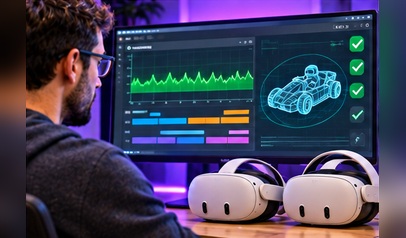
A prototype running on a powerful computer may behave differently on standalone hardware. Developers need to measure processor and graphics workloads, memory use and frame timing on the target headsets. They can then simplify assets, adjust visual effects or change how environments are loaded.
Testing also needs to cover different room layouts, controller interactions, repeated sessions and recovery from interruptions. A simulator is useful during development, but physical headset testing remains important for comfort and performance.
Nexus Dev Studio, the development team behind Nexus Arcade, approaches XR projects through focused prototypes, staged production and target-device testing. These steps help identify practical design and technical risks before a project grows.
6. Prepare the Game for Release and Keep Improving It
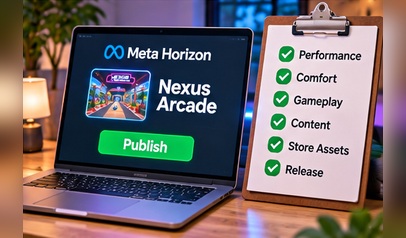
Publishing involves more than compiling the final Android application. Developers must prepare store information, supported-device details, privacy disclosures and release builds. Meta's Virtual Reality Check guidelines cover technical and functional requirements for distribution through the Meta Horizon Store.
After release, player feedback can reveal confusing controls, unexpected room layouts or performance issues that were missed during testing. Reproducing these problems and checking fixes against existing gameplay helps teams improve the game without introducing new faults.
For players, the finished experience should hide most of this complexity. A clear introduction, reliable controls and understandable feedback matter far more than knowing which SDK is running behind the scenes.
Mixed reality game development brings gameplay design, spatial interaction, 3D art, programming and hardware testing together. The goal is not simply to make digital objects appear in a room, but to create something worth playing again.
Want to experience the result? Download Nexus Arcade free on the Meta Horizon Store for Quest 3 and Quest 3S, and explore racing, ten-pin bowling, boxing and shooting in one mixed-reality arcade.