Handle the ball
Use the game’s supported Quest controls to pick up the virtual bowling ball. Take a moment to look at the ball and lane before your throw, following the interaction prompts inside the experience.

Mixed Reality Bowling Nexus Arcade
Bring the bowling lane into your own space and enjoy interactive ten-pin bowling with Nexus Arcade.
Play Bowling FreeFree Nexus Arcade download Quest 3 & 3S
One of four experiences inside Nexus Arcade.
Inside the experience
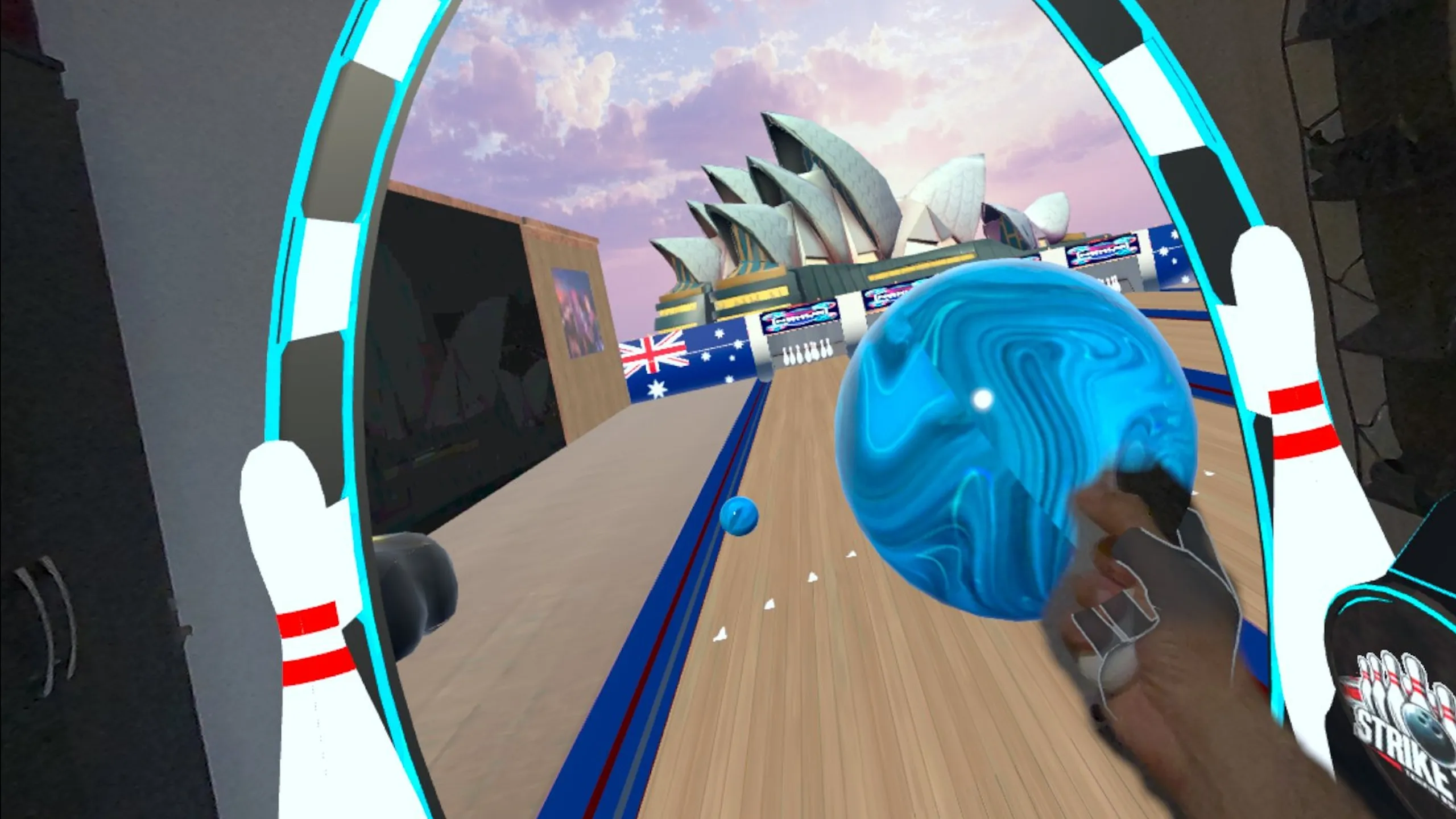
Tenpin brings a familiar arcade sport into Nexus Arcade’s mixed-reality setting. A virtual lane, ball and pins become part of the experience you access from your own room. You can see the physical environment around the game while looking down the lane towards the pins, rather than needing a real bowling alley or a physical ball.
For anyone exploring a mixed reality bowling game on Meta Quest, the appeal is easy to understand: pick up, aim and bowl. The gameplay capture shows the ball held close to the player and the lane extending through a virtual portal. The real-world surroundings remain visible beside it, giving the bowling experience its distinctive sense of place.
The gameplay
Use the game’s supported Quest controls to pick up the virtual bowling ball. Take a moment to look at the ball and lane before your throw, following the interaction prompts inside the experience.
Aim along the lane towards the virtual pins. The bowling format gives you a clear target and an easy way to understand the result: watch where the ball travels and which pins it reaches.
The lane is presented within the mixed-reality arcade, with your physical space visible around the virtual game. There is no real ball to retrieve and no physical set of pins to stand up between throws.
See it in action
Bowling has a straightforward rhythm: prepare the ball, choose your line, make the throw and watch the outcome. Tenpin uses that familiar sequence as an accessible way into mixed reality. You can concentrate on the direction of your next bowl, or simply enjoy seeing a bowling lane appear in the arcade. Watch the actual gameplay clip to get a feel for the ball handling, the virtual lane and the relationship between the game and the room.
Ready when you are
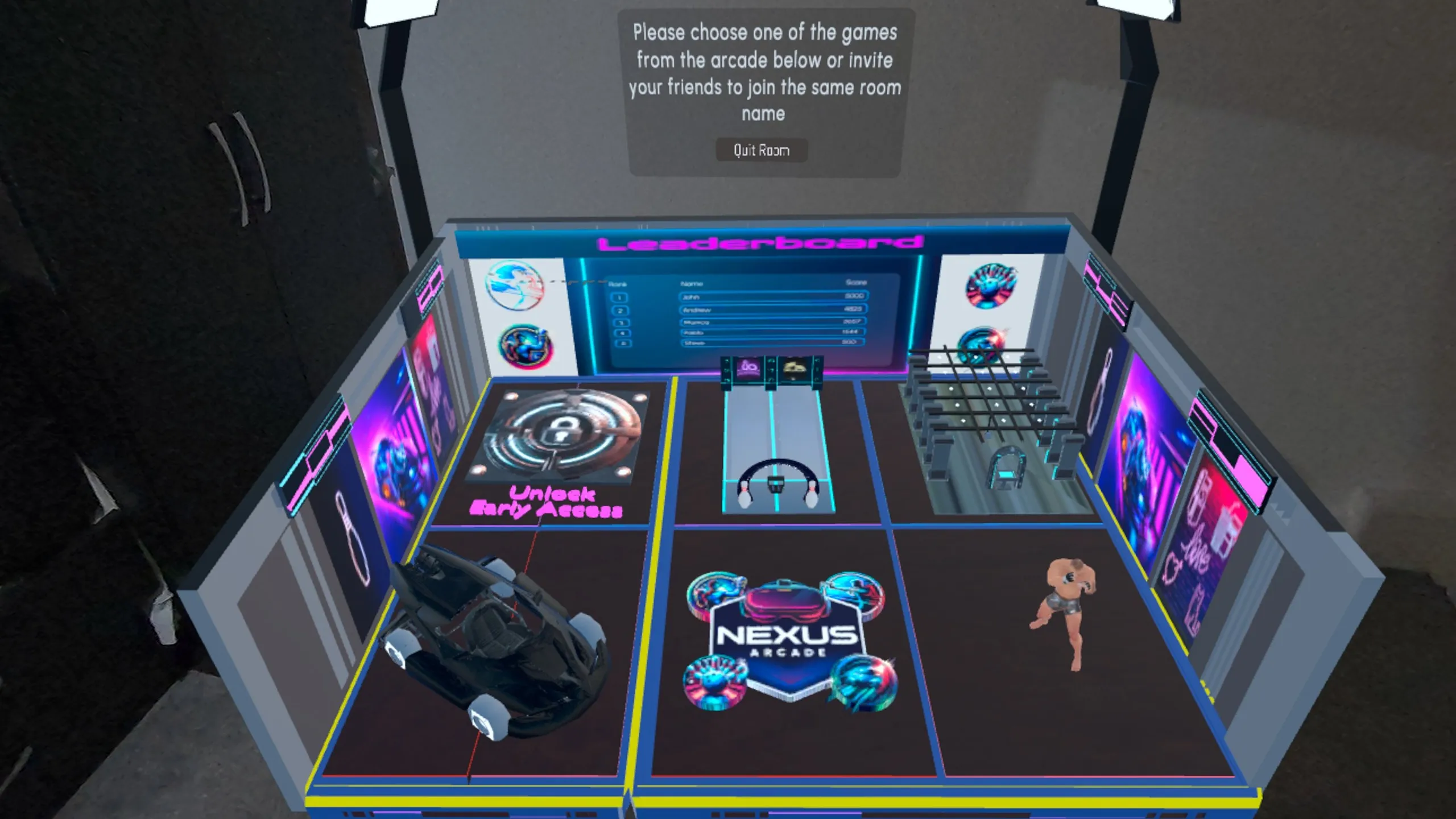
Download Nexus Arcade on Quest 3 or Quest 3S, launch the app and discover the games available through your arcade booth.
Choose the bowling experience and follow the placement and setup prompts. Position the experience using the controls presented by the game.
Pick up the virtual ball, aim at the pins and release your throw using the in-game controls. Watch the ball down the lane.
Play again, or try something new
Each bowl gives you something concrete to learn from. Notice the line the ball takes, the pins it reaches and what you might change on your next attempt. You can return to Tenpin to become more comfortable with the interaction, then switch to another experience when you want a different pace. Bowling is part of the same Nexus Arcade download as Turbo Tracks, boxing training and Blast Arena.
Explore the full Nexus Arcade →Before you play
Yes. Tenpin is Nexus Arcade’s mixed-reality ten-pin bowling experience. It presents a virtual ball, lane and pins while keeping the surrounding physical environment visible.
Yes. Nexus Arcade supports Meta Quest 3 and Meta Quest 3S. Open the official store listing from this page to download the app for your headset.
Use the interaction prompts in Tenpin to pick up the virtual ball, aim down the lane and release a throw. The gameplay clips show the ball handling in the actual game.
Tenpin is an experience inside the free-to-download Nexus Arcade app. You do not need a separate bowling app; choose it from the arcade after installing Nexus Arcade.
Four games. One arcade.
Your room. Your arcade.
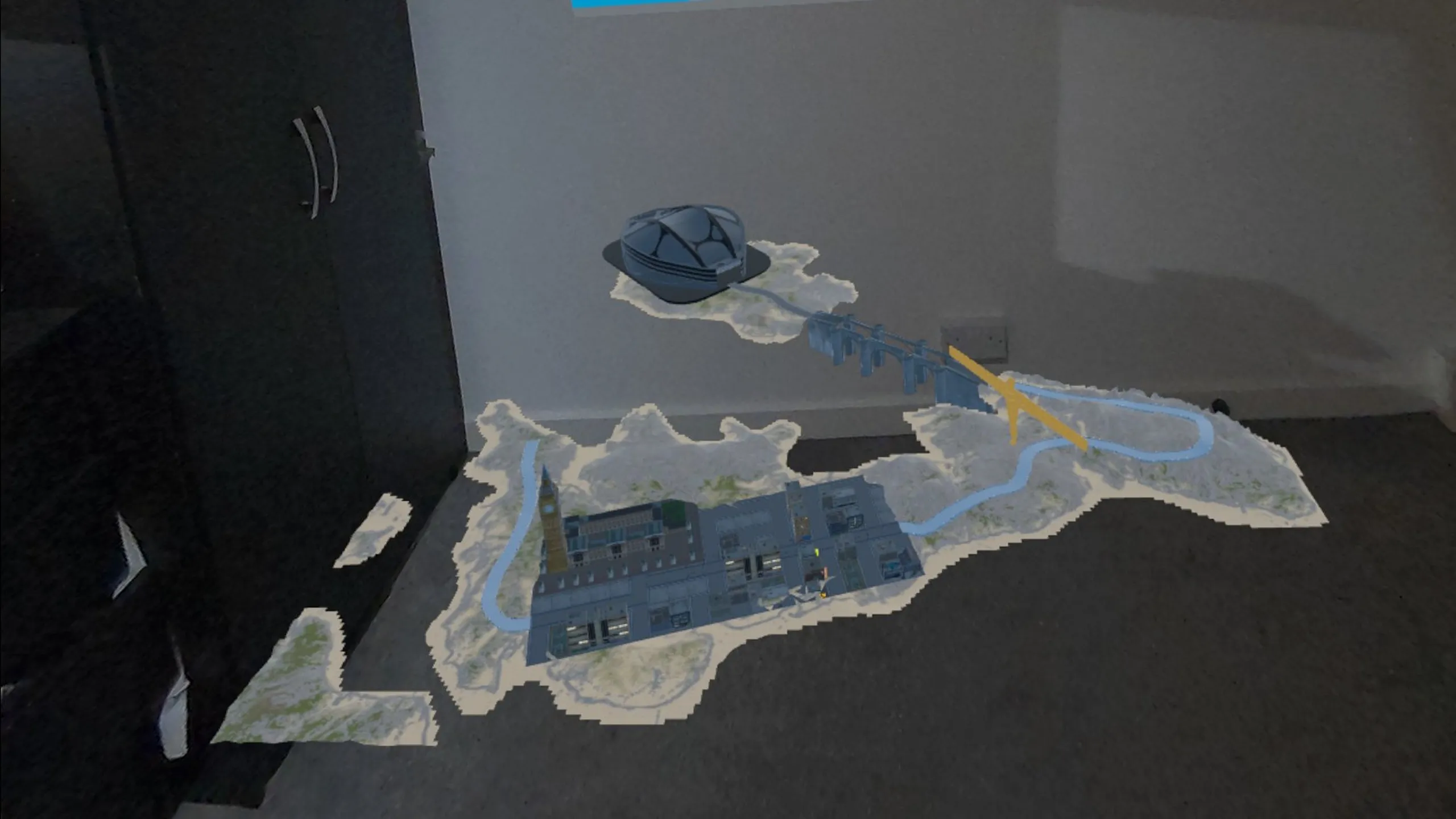
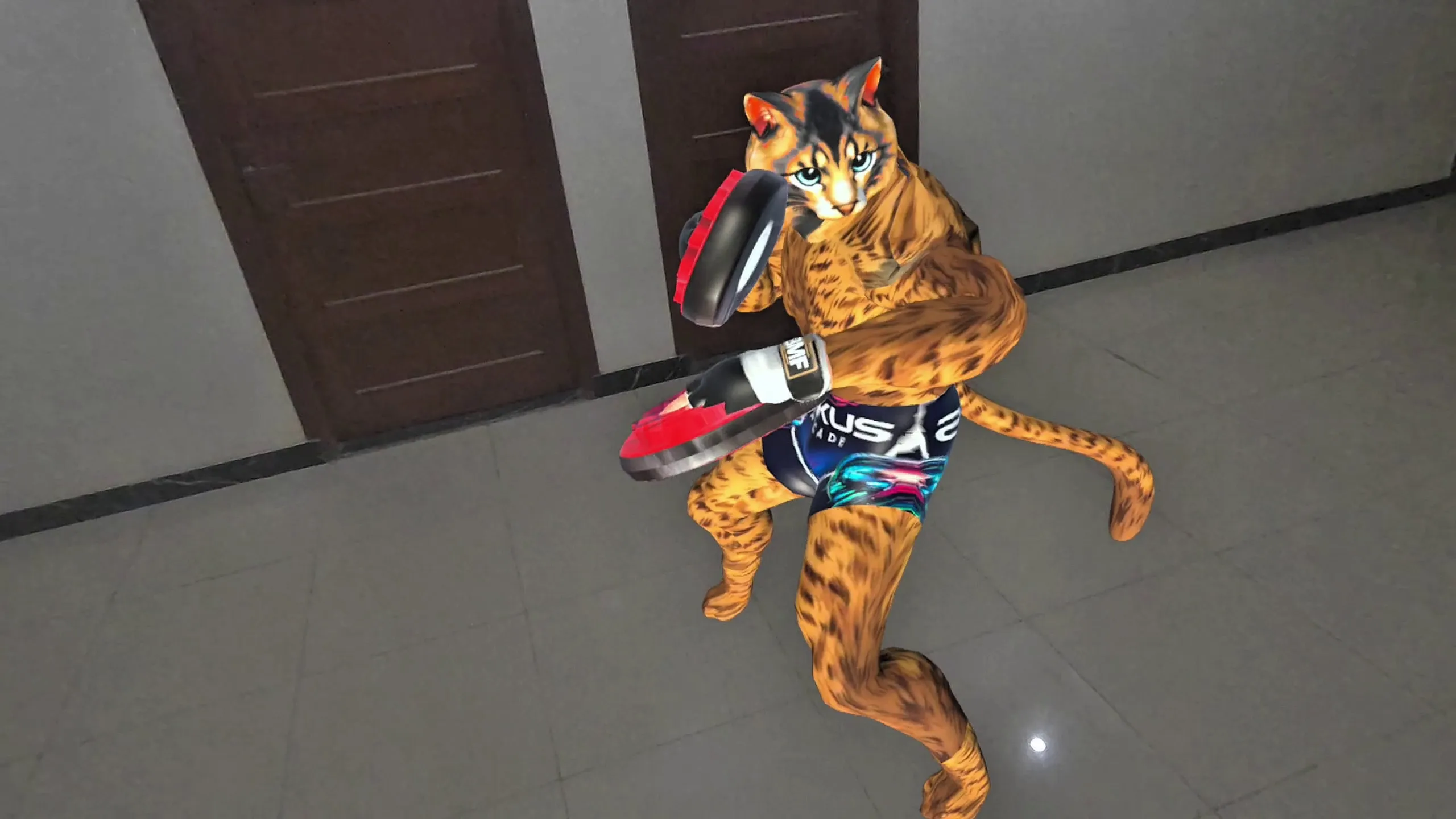
Racing, bowling, boxing and shooting. Get all four experiences inside the free-to-download Nexus Arcade app.
Download Nexus Arcade on Meta Quest Back to all Nexus Arcade games