A portal to racing
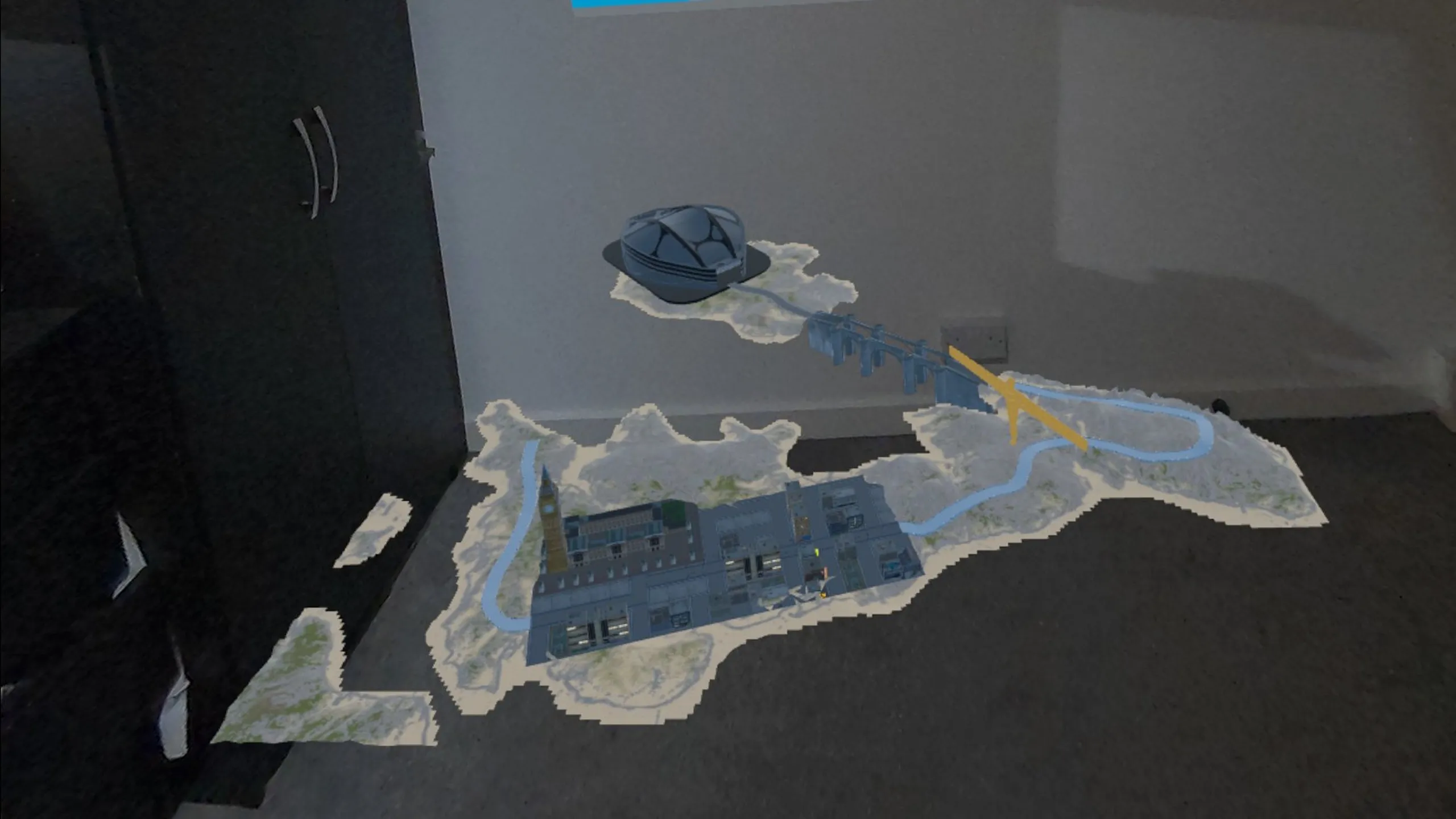
Discover the racing experience through the Nexus Arcade booth. The portal connects the physical setting around you with the virtual racing environment; you are not being asked to run a race around your furniture.

Mixed Reality Racing Nexus Arcade
Get behind the wheel and race through virtual worlds with Turbo Tracks, the kart racing experience inside Nexus Arcade.
Play Turbo Tracks FreeFree Nexus Arcade download Quest 3 & 3S
One of four experiences inside Nexus Arcade.
Inside the experience
Turbo Tracks connects your real-world arcade with a virtual kart racing experience. Start inside Nexus Arcade, discover the racing mode and enter a course built for arcade driving. The mixed-reality part is your connection to the arcade and its portal; the racing world gives you somewhere new to explore behind the wheel.
If you are looking for a Meta Quest racing game, that combination is the starting point: an arcade you can access in your own space, with kart racing as one of its four experiences. You do not need to find a separate Turbo Tracks app. Download Nexus Arcade on Quest 3 or Quest 3S, then choose racing from inside the game.
The gameplay
Discover the racing experience through the Nexus Arcade booth. The portal connects the physical setting around you with the virtual racing environment; you are not being asked to run a race around your furniture.
Get to know how the kart responds as you drive. Look ahead, line up for bends and focus on the course in front of you. Follow the in-game control prompts when you start your session.
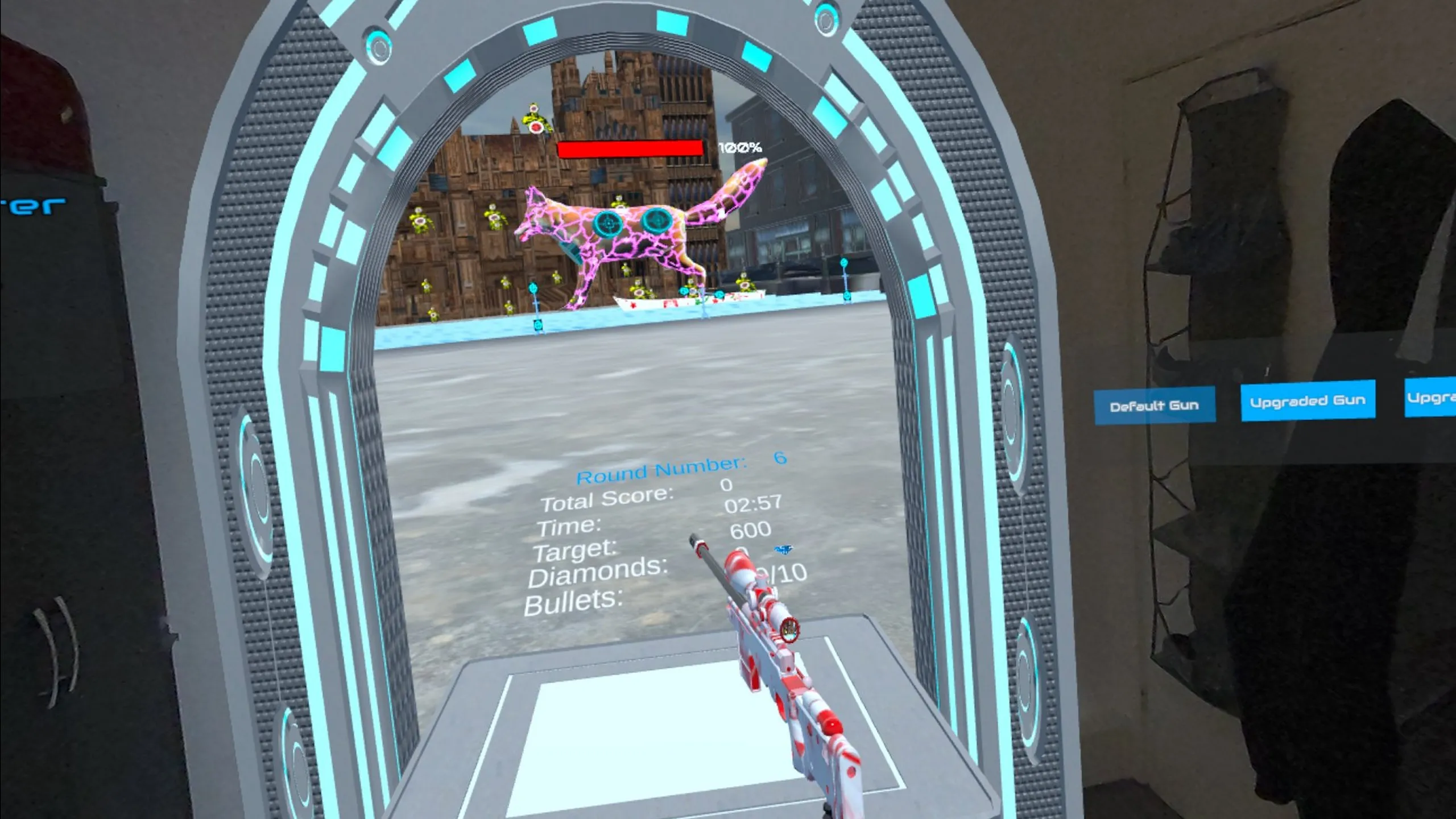
The actual gameplay view shows a virtual course with roads, buildings and a portal in the player’s environment. Watch the racing clips to see the game’s scale and presentation before you download.
See it in action
Kart racing rewards attention to what comes next. Give yourself time to understand the controls, notice the shape of each bend and try a cleaner approach on another attempt. Turbo Tracks is a change of pace from Nexus Arcade’s bowling, boxing and target shooting: the focus moves from a single physical action to guiding your kart through a racing world. Watch a run to see the racing environment and how the kart is controlled.
Ready when you are
Install the free Nexus Arcade app from the Meta Horizon Store and launch it on your supported Quest headset.
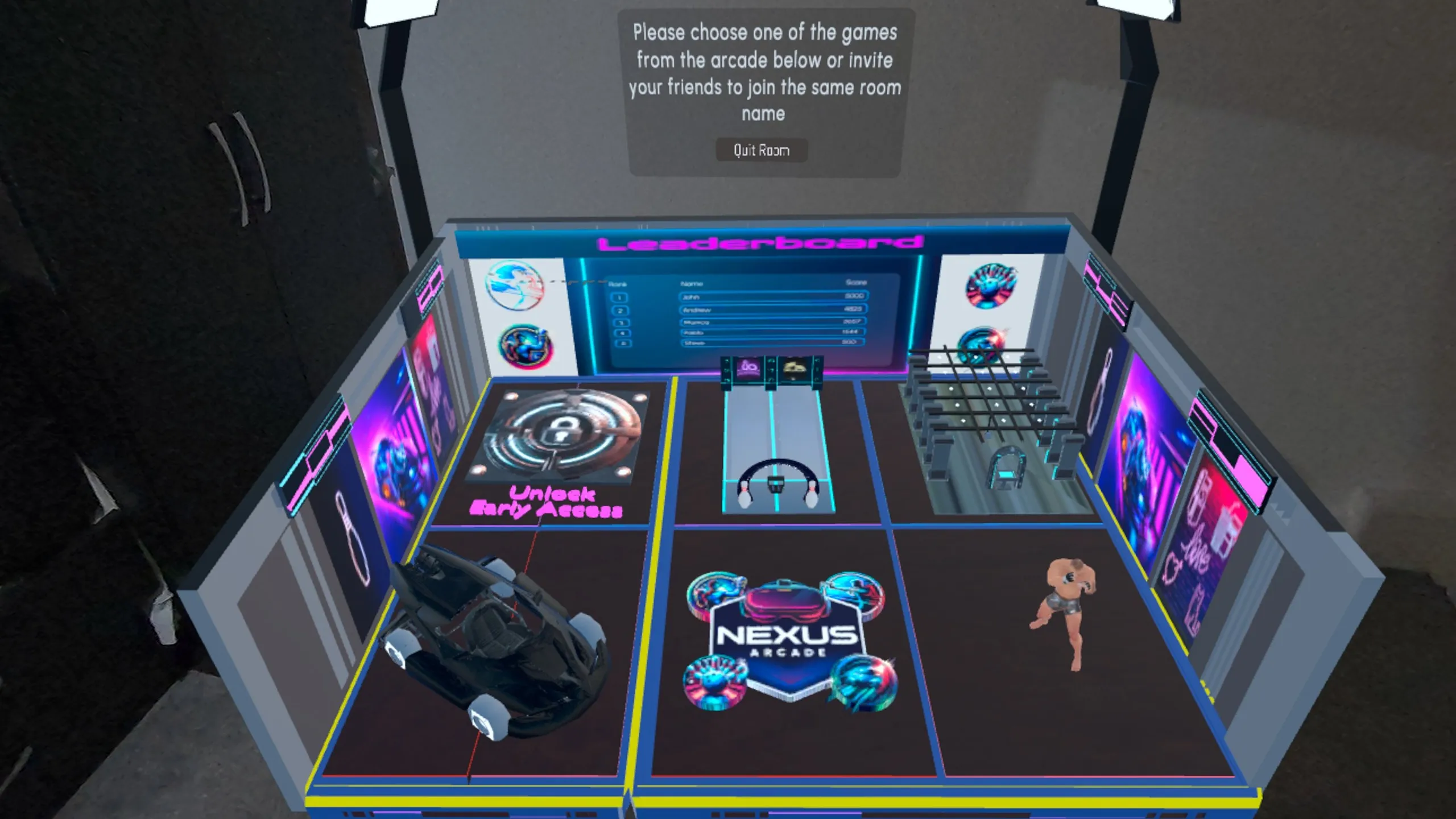
Explore the arcade booth and select the racing experience. Follow the game’s prompts to enter the racing setup.
Get familiar with the kart controls and the course, then start driving. Follow the instructions presented inside the game.
Play again, or try something new
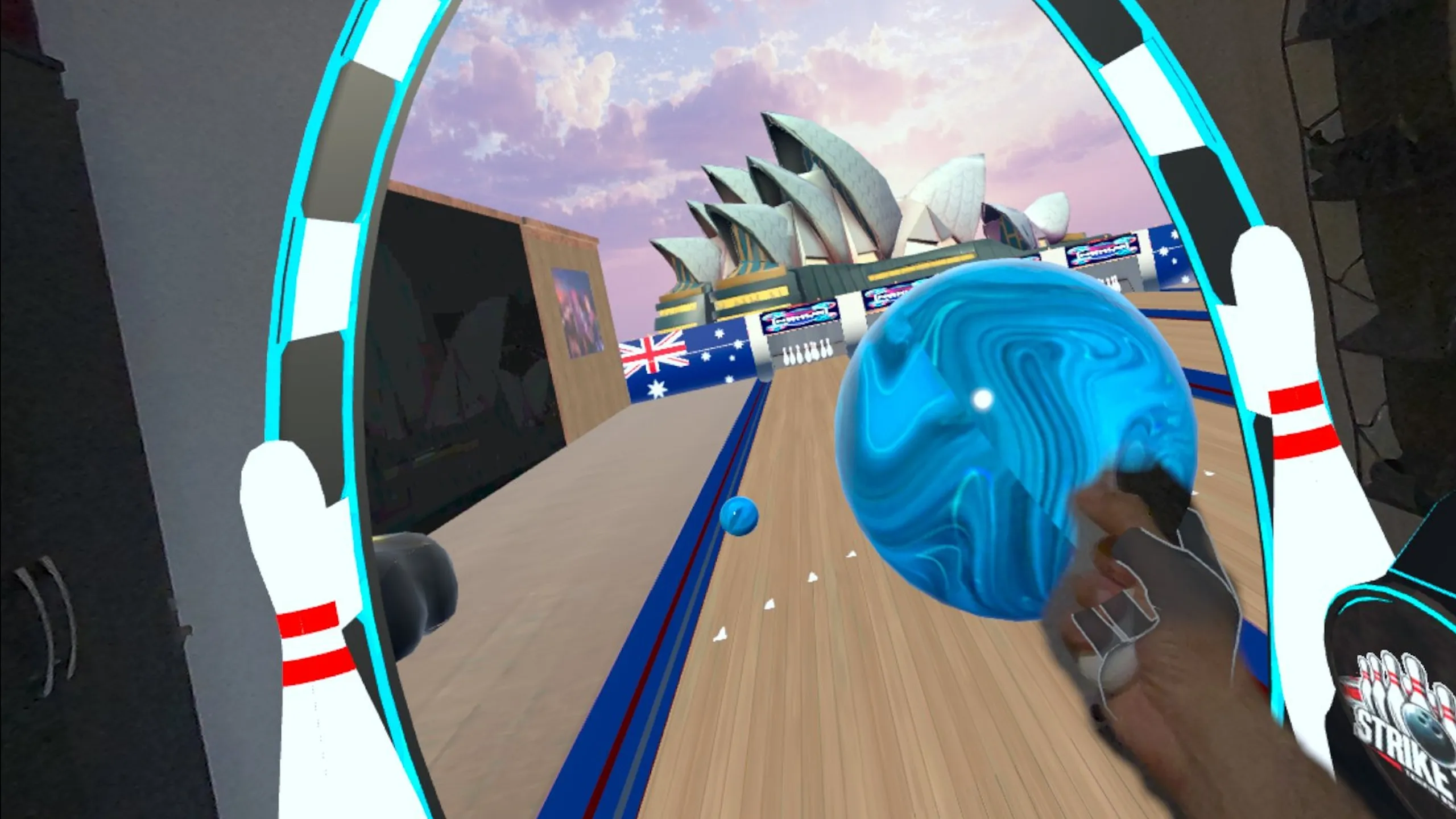
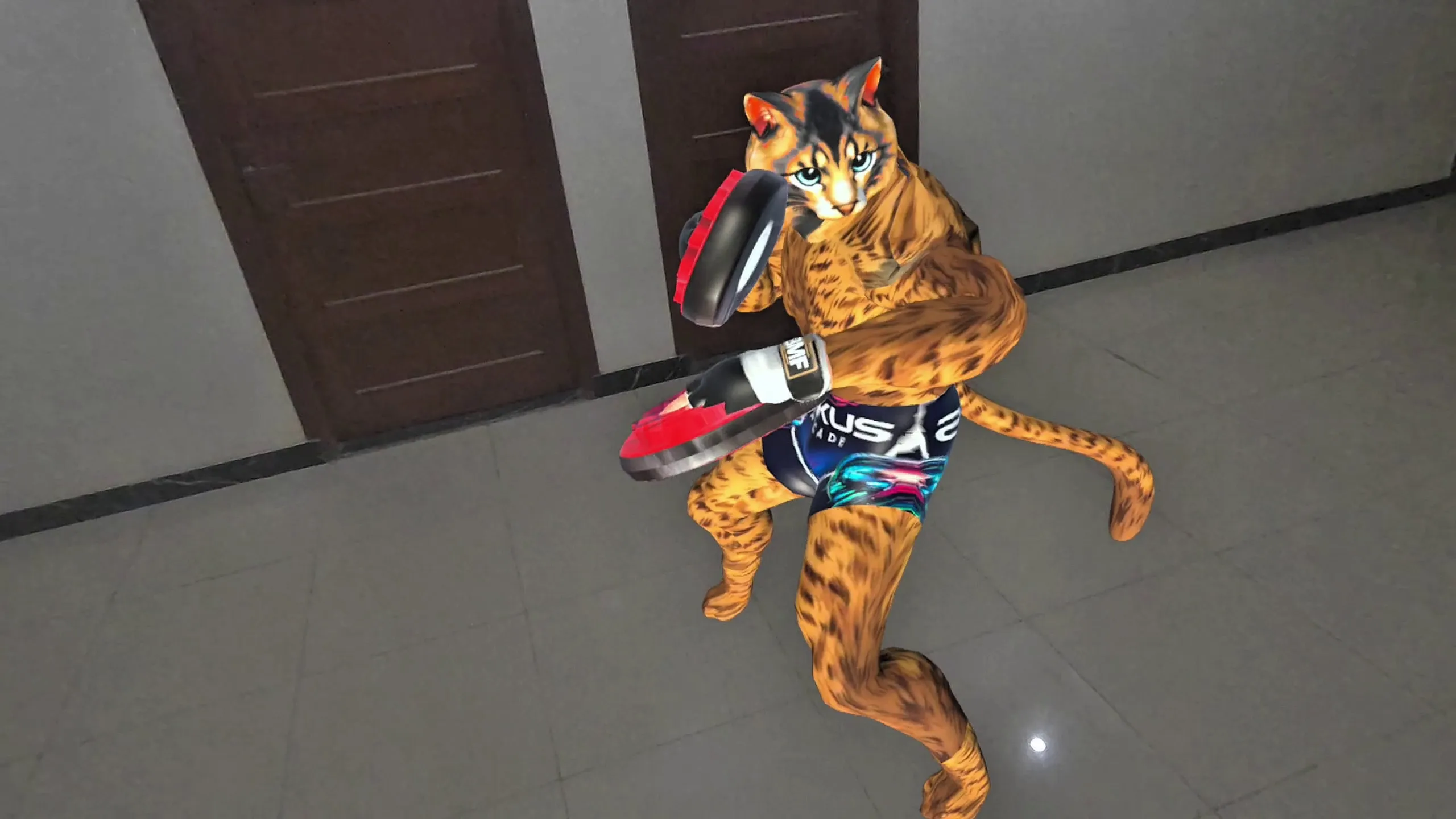
Another attempt gives you a chance to react earlier to a turn, keep your driving more consistent and become familiar with the racing environment. When you want a different kind of challenge, return to the same Nexus Arcade app and try bowling, mitt training or Blast Arena. Your arcade is the common starting point, so changing activities does not mean downloading another game.
Explore the full Nexus Arcade →Before you play
Turbo Tracks is the kart racing experience inside Nexus Arcade. The download buttons on this page open the Nexus Arcade listing, which also includes bowling, boxing and shooting.
Nexus Arcade supports Meta Quest 3 and Meta Quest 3S. Install the app from its official Meta Horizon Store listing, then select the racing experience.
You access racing from the mixed-reality arcade and its portal. Turbo Tracks introduces a virtual racing world; it is not a physical driving course around your furniture.
Nexus Arcade is free to download and includes the Turbo Tracks racing experience. Available progression and unlockable content are managed inside Nexus Arcade.
Four games. One arcade.
Your room. Your arcade.
Racing, bowling, boxing and shooting. Get all four experiences inside the free-to-download Nexus Arcade app.
Download Nexus Arcade on Meta Quest Back to all Nexus Arcade games