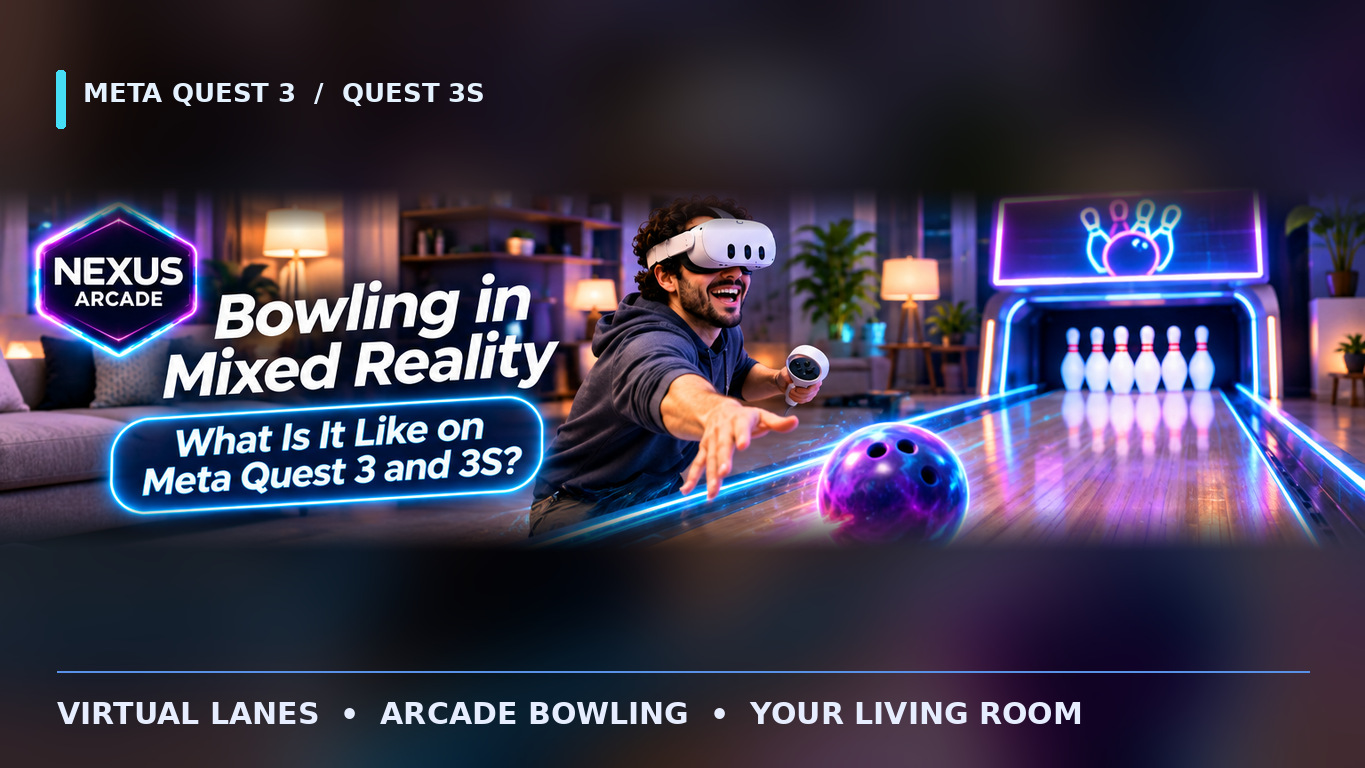
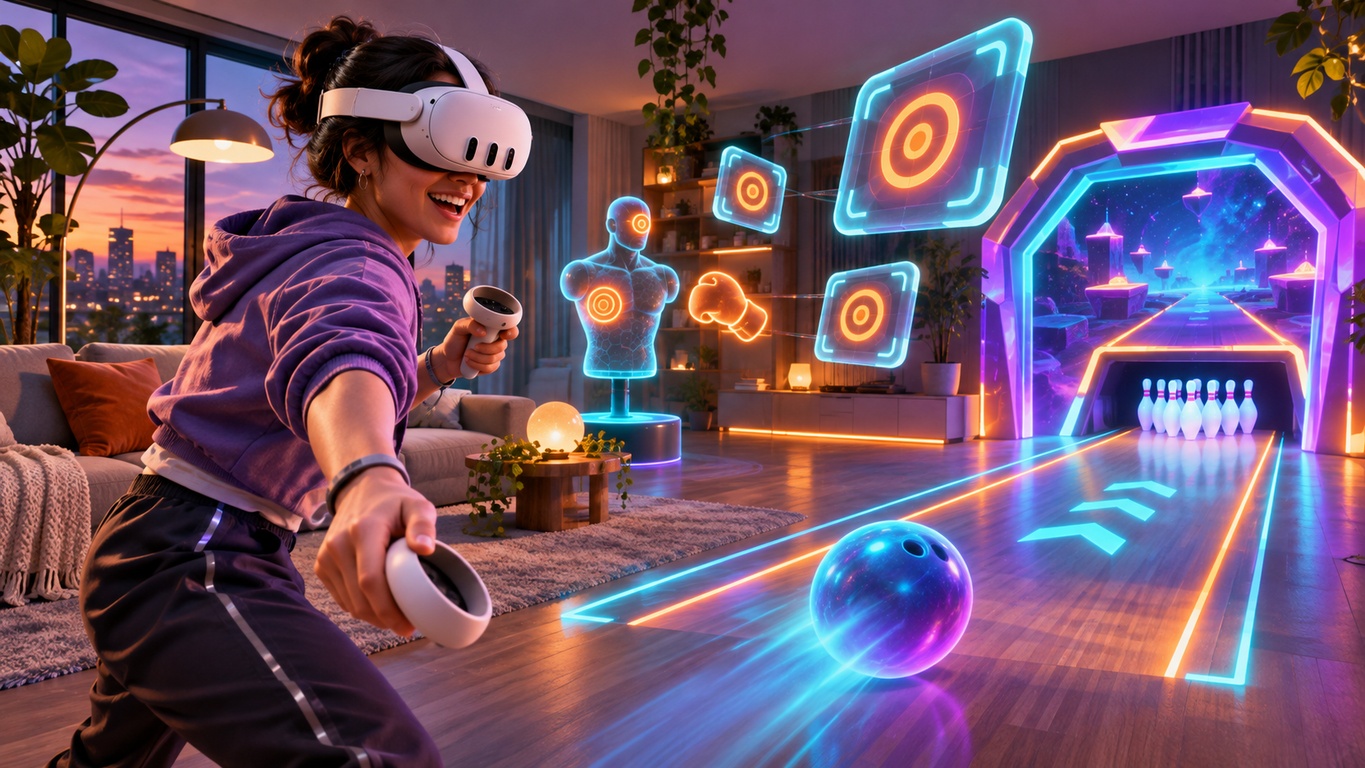
How can a bowling lane appear in your living room, or a virtual trainer stand in front of your sofa? On Meta Quest 3 and Quest 3S, mixed reality games combine views of your surroundings with digital objects that appear to occupy the same space. The result can feel very different from a traditional game shown on a screen.
Behind that illusion are several technologies working together. Here is a straightforward guide to passthrough, room understanding, anchors and depth, using familiar examples from Nexus Arcade.
1. Passthrough: Seeing Your Room Through the Headset

The first ingredient is colour passthrough. Rather than looking through transparent lenses, you see a camera-based view of the room on the headset's displays. The game can then draw a digital bowling lane, target or character into that view.
Quest 3 and 3S both support colour passthrough, although their cameras and displays differ. It is still a processed view, not normal eyesight: lighting, depth perception and field of view have limitations. Keep your play space clear even when the furniture is visible. For practical advice, read our mixed reality room-setup guide.
2. Room Understanding: Floors, Walls and Furniture
Seeing the room is one thing; placing content sensibly is another. Meta provides Scene and mixed-reality tools that can help compatible apps work with information about floors, walls and other parts of a space.
Imagine asking a game to place a virtual activity on the floor instead of halfway through a table. Information about the environment can help make that decision. But room understanding is not automatic in every mixed-reality title: developers choose which capabilities to implement, and setup or permissions may be required.
Meta explains these possibilities in its Scene documentation.
3. Spatial Anchors: Keeping Virtual Objects in Place
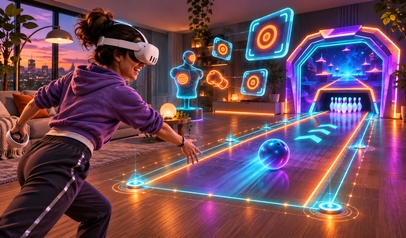
A virtual object should not slide around every time you turn your head. Games use tracking and coordinate systems to position objects consistently. Spatial anchors are one method developers can use to attach content to a recognised point in the physical environment.
Anchors can also support experiences that restore an object's position later or align shared content for multiple headsets, when those features are implemented. They do not guarantee that every game remembers a room or supports local multiplayer.
For a player, the goal is simpler: a well-placed experience should feel steady and easy to approach. Tenpin bowling illustrates why placing a virtual lane comfortably within your surroundings matters.
4. Depth and Occlusion: What Appears in Front?
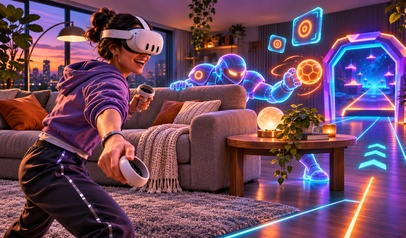
One detail can make a digital object much more believable: a real sofa appearing in front of part of a virtual character. This is called occlusion. Compatible depth features can help software judge which surfaces should hide others.
Without suitable occlusion, digital objects may appear to float over furniture even when they should be behind it. With it, the relationship between virtual and physical objects can feel more convincing. Results vary with the application, hardware, lighting and the quality of the available depth information.
Meta describes the developer options in its passthrough occlusion guide.
5. Portals and Interaction: When the Game Changes Scale
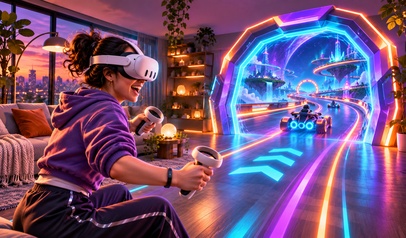
Not every mixed-reality experience keeps all the action in the room. A portal can connect a physical setting to a virtual world. In Nexus Arcade's Turbo Tracks, you begin in the room-based arcade and enter a virtual kart racing environment; you do not drive a full-sized race around your furniture.
Other activities favour direct room-scale interaction. Boxing mitt training presents targets to respond to, while Blast Arena uses a portal and virtual targets. Controllers, hand tracking and placement systems are design options, not features every game necessarily shares.
Good interaction design tells you what to do next without making you think about the technology behind it.
6. Why Thoughtful Design Matters More Than Visual Tricks
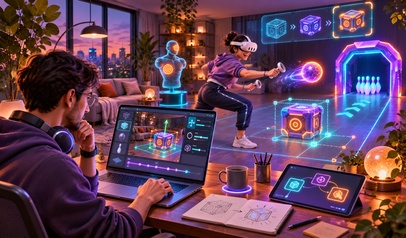
Realistic effects are only useful when a game remains readable, comfortable and fun. A bowling ball needs intuitive controls; boxing targets need clear timing; a racing portal needs to make the change of environment understandable.
That is why developers test ideas in real rooms, not just on a computer screen. Nexus Dev Studio, the team behind Nexus Arcade, also works on VR and mixed-reality development, where spatial interaction and practical headset testing are central to the experience.
As a player, look for stable placement, clear instructions, comfortable movement and convincing interactions rather than assuming the most elaborate graphics make the best game.
Mixed reality works by combining what the headset can show, what an application knows about the space and how its virtual objects respond to you. Not every game uses every available technique, but understanding the basics makes it easier to appreciate what happens inside the headset.
Want to see mixed reality in action? Get Nexus Arcade free on the Meta Horizon Store for Quest 3 and 3S and explore racing, bowling, boxing and shooting from one arcade.