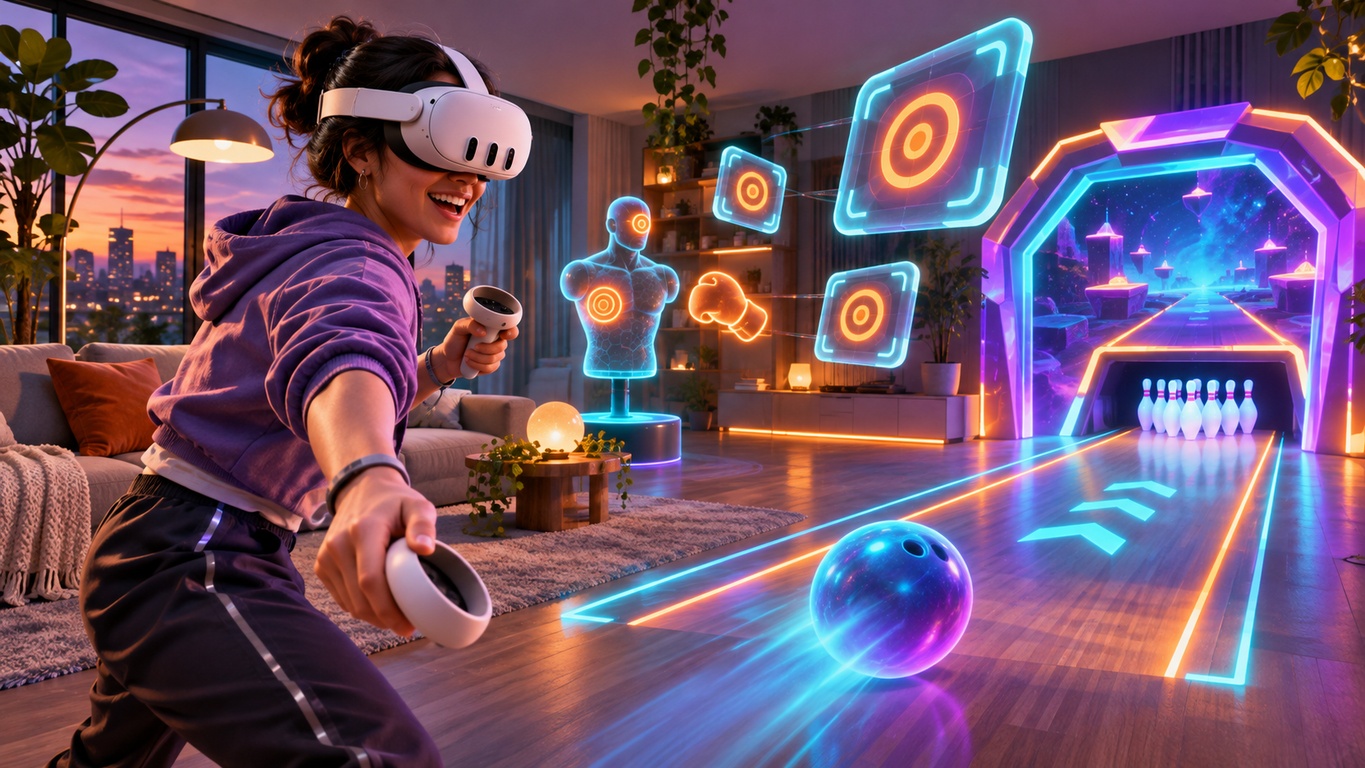

A good mixed reality gaming space does not need to be huge. You need room to move, a clear floor and enough distance from furniture. A few checks make a real difference on Meta Quest 3 or Quest 3S.
Unlike fully immersive VR, mixed reality combines your surroundings with digital gameplay. That is part of its appeal, but seeing your room through passthrough cameras does not remove the need for a safe play area. Here is how to prepare your space for bowling, boxing, target shooting and other room-based experiences.
1. Start With a Clear, Comfortable Play Area
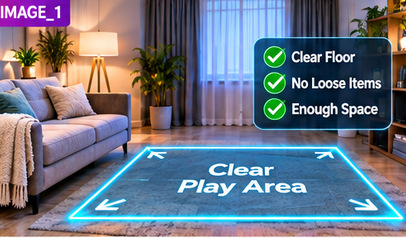
Begin by standing in the area where you expect to play. Turn slowly and extend your arms in different directions without holding anything. Check for tables, shelves, door handles, low ceilings and hanging lights. Leave extra room for controllers and swinging arms.
Move loose cables, shoes, toys and bags away from your feet. Keep drinks and fragile items off nearby surfaces. A clear floor matters because attention naturally shifts towards virtual action.
You do not have to empty the entire room. Choose the safest usable section and keep it clear for the whole session.
2. Get the Lighting Right for Passthrough
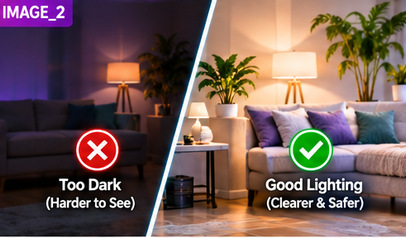
Quest 3 and Quest 3S use cameras to show your surroundings in colour. In a well-lit room, furniture and floor edges are generally easier to recognise. Very dim lighting can make the view less useful, while strong glare and harsh contrasts can make parts of the room harder to see.
Try ordinary, even indoor lighting. If sunlight is streaming in, adjust the curtains to reduce harsh contrasts. Avoid pointing the headset's lenses towards direct sunlight when it is off your head, as sunlight can damage the display.
Do a quick visual check through the headset before launching a game. If an obstacle is difficult to distinguish, improve the lighting or move it out of the play area.
3. Check Your Boundary and Floor Level
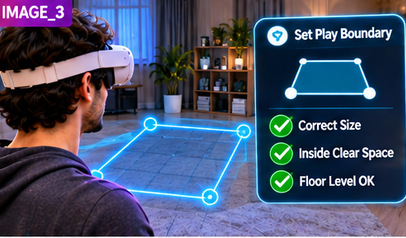
Your Quest boundary helps identify the limits of the area you have chosen for play. Follow the headset's current setup instructions and make sure the boundary fits inside the genuinely clear space, not through furniture or walls. If you change rooms or rearrange furniture, review it again.
Check that the virtual floor appears at the same height as your actual floor. An incorrect floor level can make content look too high or low. If anything looks wrong, use the headset's environment or boundary settings to repeat the relevant setup.
Passthrough is useful for awareness, but Meta warns that it is not equivalent to natural vision: field of view and depth cues are limited. Never rely on it to navigate stairs, avoid hazards outside your play area or walk towards a wall that appears to contain a virtual portal.
4. Match Your Space to the Type of Game
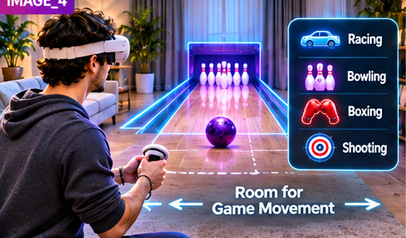
Different activities demand different movements. Before starting, think about how far your arms will travel and whether you need to turn or step.
- Bowling: Leave room for a comfortable throwing motion, without a coffee table or television within reach. Explore Nexus Arcade Tenpin.
- Boxing: Keep a wider arm-swing zone free of shelves, lights and other people. See the boxing mitt challenges.
- Shooting: Make sure you can raise and aim your controllers without contacting nearby objects. Discover Blast Arena.
- Racing: Select a stable, comfortable position before entering the virtual course; the room still needs to be clear around you. Learn about Turbo Tracks.
Follow each game's in-headset instructions rather than assuming one room size suits everyone.
5. Make Room for People, Pets and Breaks
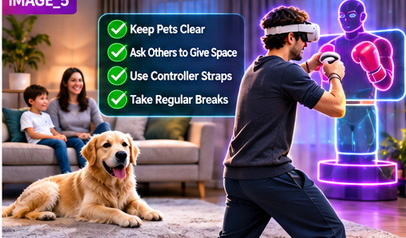
A clear room can become crowded minutes later. Ask others not to walk through the activity area, and keep pets outside it while you are playing. A person or animal can move into the space without appearing where you expect in the virtual scene.
Use the controller wrist straps where provided, and keep a firm grip during throwing or punching actions. If you feel tired, dizzy or uncomfortable, stop and rest. Mixed reality is still a headset experience, so regular breaks and attention to your surroundings are important.
6. Your 30-Second Room-Ready Checklist
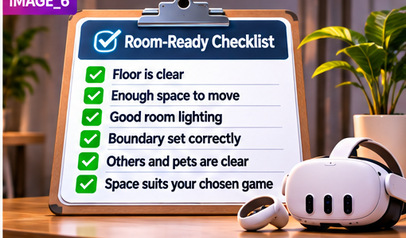
Before every session, make these quick checks:
- The floor is clear of cables, bags and loose objects.
- You can turn and reach without hitting furniture or lights.
- Room lighting makes obstacles easy to recognise.
- The headset boundary and floor position look correct.
- Other people and pets will stay clear of the active area.
- You have enough room for the movements required by your chosen game.
A tidy, well-lit area helps you focus on the experience instead of worrying about the furniture. Once your room is ready, you can explore several types of gameplay without repeatedly setting everything up from scratch.
Ready to use your space as an arcade? Download Nexus Arcade free for Meta Quest 3 and Quest 3S and try kart racing, ten-pin bowling, boxing and shooting in one mixed-reality game.