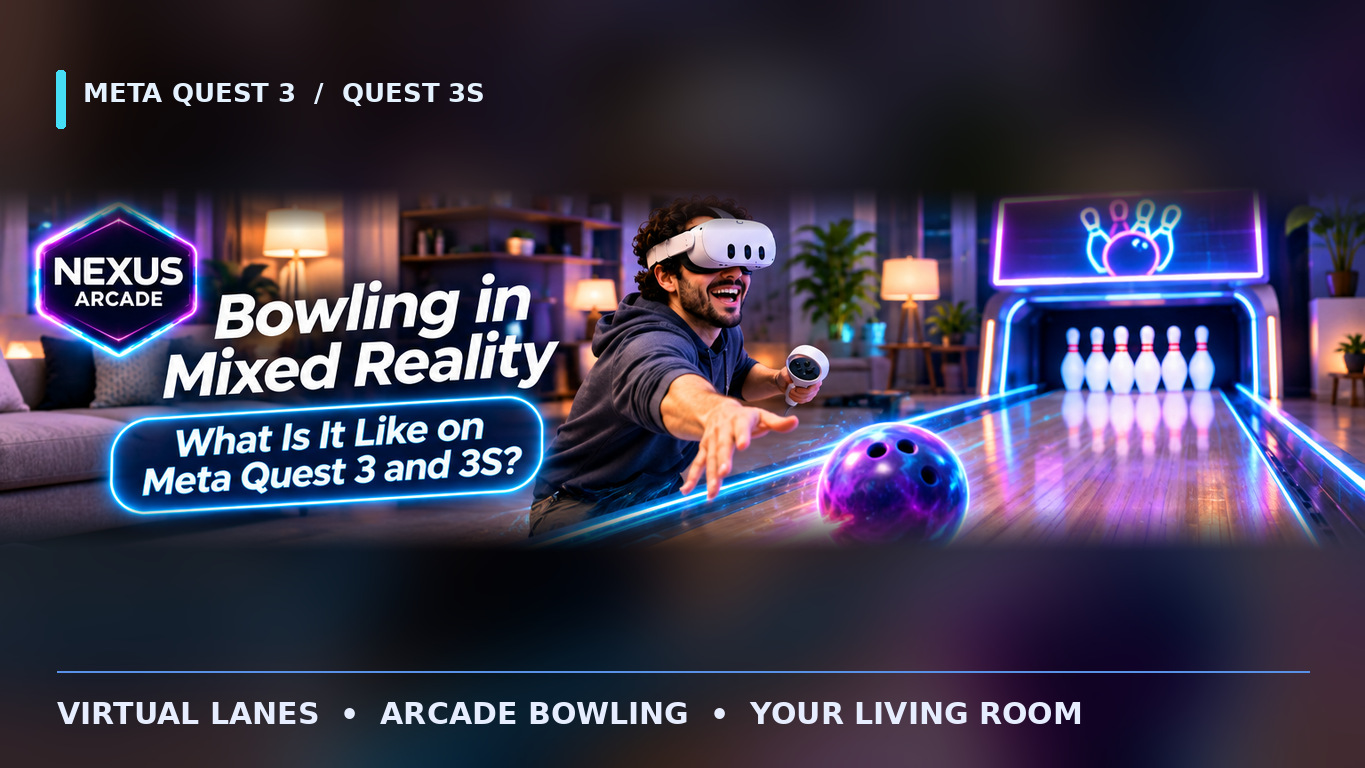
Imagine looking across your living room and seeing a bowling lane where there was only a carpet a moment ago. On Meta Quest 3 and Quest 3S, mixed reality bowling blends a virtual ball, lane and pins with your real surroundings. You still make the throwing motion, but there is no heavy ball to lift or bowling alley to visit.
Here is how the controls work, what playing feels like and what to expect from Tenpin inside Nexus Arcade.
1. Your Living Room Becomes the Bowling Lane
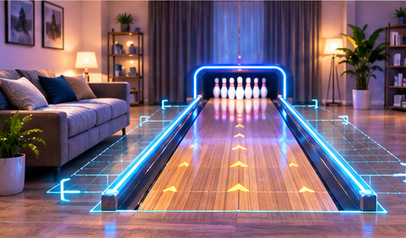
The main attraction is seeing a bowling lane within your familiar room. Quest's colour passthrough cameras show the space around you while the game adds digital objects. Instead of looking at an entirely fictional bowling centre, you can still recognise your own furniture and floor.
In Nexus Arcade's Tenpin, players select bowling from the arcade and position the experience in a suitable area. You do not need to own physical pins, a lane or special bowling equipment. You just need room to swing and see the virtual targets.
The lane is visual, not a real surface: it does not mean you should walk down it towards the pins.
2. How Do You Pick Up and Throw the Ball?
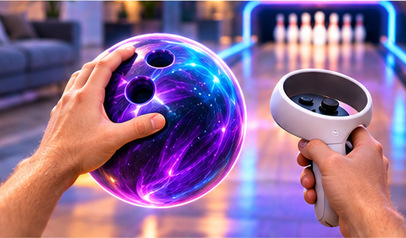
The familiar part is the sequence: pick up a ball, face the pins, aim and release. Tenpin uses interactive virtual ball handling, including near and distance grabbing. Follow the game's current on-screen prompts to understand which controller action picks up or releases the ball.
You can practise a smooth, controlled swing while watching how the virtual ball travels and which pins it reaches. Start gently rather than making an exaggerated throw. Controllers are lighter than real bowling balls, so timing matters more than weight.
Wear your controller wrist straps and keep a firm grip. Never let go of a physical controller when the virtual ball is released.
3. Pins, Scores and That Strike Moment

Bowling is satisfying because every throw has an immediate result. A ball heads down the lane, the pins respond and you see what remains. In Nexus Arcade, the bowling experience tracks the ball, pins and score, so you have a clear reason to adjust your next attempt.
A strike is a great result, but a near miss is useful too. You can experiment with your release direction and try to reach pins you missed previously. The virtual physics will not reproduce every sensation of a real bowling centre, especially ball weight and floor friction, but the aiming and scoring challenge is easy to recognise.
Think of it as an arcade take on ten-pin bowling, not a professional simulator.
4. Can You Bowl with Friends?
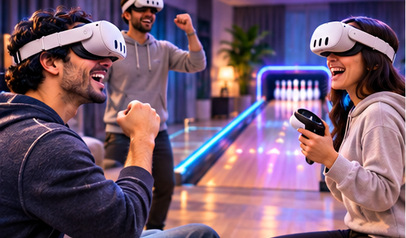
Bowling is naturally social: one person takes a shot, the others watch the result, and everyone wants the next strike. Nexus Arcade's Tenpin has a shared-lane, turn-based multiplayer design, so players take their turns rather than throwing multiple balls into the same lane at once.
Availability can depend on the current release, room settings and supported multiplayer session. If you want to play with friends, check the game's multiplayer options before starting and follow the instructions for joining the same session.
For solo play, the appeal is simpler: practise your throws, keep an eye on the score and enjoy a short bowling challenge without arranging a real-world booking.
5. How Much Room Do You Need?
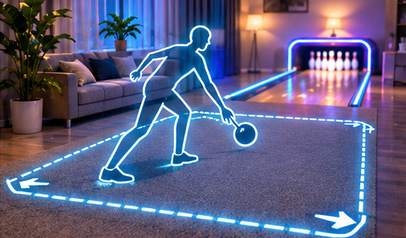
You do not need a room as long as a real bowling alley. You do need a safe place to stand and swing your arm without hitting a television, lamp, table or another person. Clear the nearby floor, check behind you and keep pets outside the play area.
Choose even lighting and follow your Quest boundary and floor setup. Passthrough helps you stay aware of your surroundings, but it is not the same as looking through your own eyes: distance and visibility can still be harder to judge.
Place the virtual lane where you can see the pins comfortably. If you feel you need to stretch, step into furniture or turn awkwardly to bowl, reposition the game before continuing.
6. Is Mixed Reality Bowling Worth Trying?

Mixed reality bowling suits players who enjoy a familiar sport but want to play it in short sessions at home. It is approachable, visual and easy to return to, with a different feeling from pressing buttons in a conventional console bowling game.
If you want highly detailed lane conditions, genuine ball weight or professional coaching, a virtual arcade is not a substitute for a physical bowling alley. But for practising aim, trying to improve your score and sharing a challenge, the format has plenty of appeal.
Tenpin is also only one part of Nexus Arcade. The same free download includes Turbo Tracks kart racing, boxing mitt challenges and Blast Arena target shooting. That makes it easy to switch activities when you want something different.
Want to try bowling in your own room? Download Nexus Arcade free on the Meta Horizon Store for Meta Quest 3 and 3S, then select Tenpin at the arcade booth.