
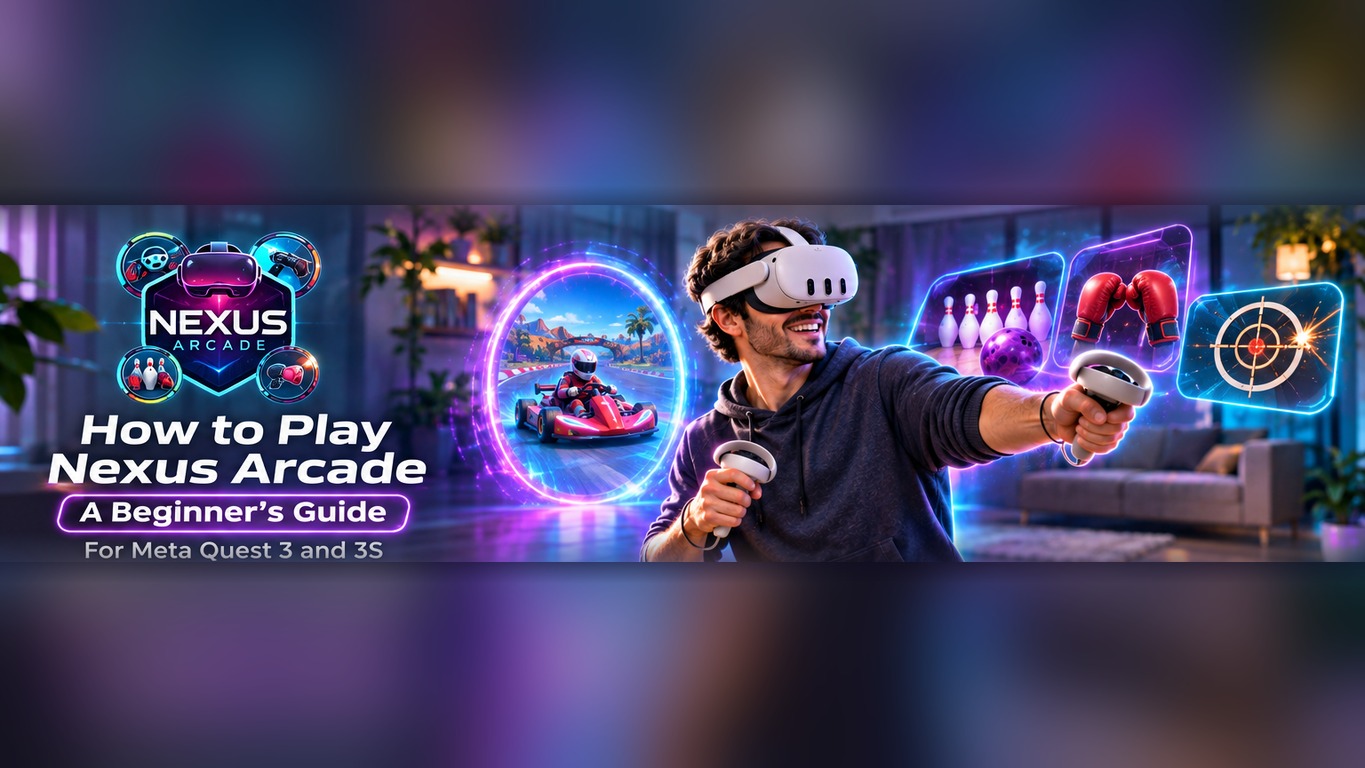
New to Nexus Arcade? You do not need to learn four separate games before you can have fun. Nexus Arcade brings kart racing, ten-pin bowling, boxing challenges and arcade shooting together in one free mixed-reality experience for Meta Quest 3 and Quest 3S.
This guide covers setup, the arcade booth, picking your first game and earning Diamonds, so you can get playing quickly.
Before You Start: Prepare Your Headset and Room

Nexus Arcade uses mixed reality, which means you can see your surroundings through your Quest headset while virtual game elements appear in your space. Clear enough space to move your arms without striking furniture, pets or people. Check your headset fit and controllers.
Follow your Quest boundary and space setup. Use adequate room lighting, keep the headset away from direct sunlight and remain aware of physical obstacles. If you are sharing the room, let others know that you may be reaching or stepping sideways during play.
Step 1: Download Nexus Arcade for Free

Open the official Nexus Arcade listing on the Meta Horizon Store, select Get and install the game on your compatible Quest headset. One download includes all four arcade experiences.
After installation, launch Nexus Arcade from your headset's app library. Nexus Arcade is listed as Early Access, so features and menus can change with updates. If the first launch prompts you to review your space or permissions, read those prompts carefully rather than rushing into a game.
Step 2: Find the Arcade Booth and Choose a Game

Your arcade booth is the starting point. Use it to discover games, check quests and explore shop items. Look around: the arcade uses interactive content placed within your room.
Choose the game that interests you most. Start with whichever activity appeals to you, then get comfortable with its controls before switching.
Look for the Starter Quest, where available, to get an early goal. Return between games to see what else is available.
Step 3: Place Your Game and Start Playing
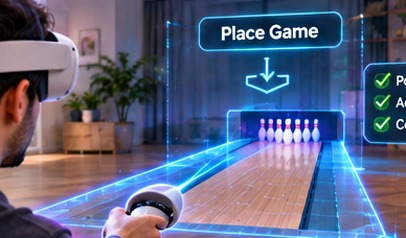
After choosing an experience, follow the in-game prompts to position it in a suitable part of your space. Keep space clear for reaching, throwing or punching and check that interactive elements are within comfortable reach.
Bowling places a lane in your room, while racing takes you into a virtual course. Follow each mode's prompts, as their controls differ.
If placement feels awkward, adjust it. Never move blindly towards real walls. Give yourself enough space to turn and reposition without pulling the headset off balance. When a game moves from room-scale interaction into a virtual scene, continue following your headset's safety guidance.
Meet the Four Games Inside Nexus Arcade

Choose any game to begin:
- Turbo Tracks — Racing: Drive karts on virtual tracks, manage fuel and use NOS at useful moments. Unlock more as you progress.
- Tenpin — Bowling: Pick up a virtual ball, aim towards the pins and experiment with your throw. A familiar sport makes this a good introduction to spatial interactions.
- Boxing — Mitt Training: Follow virtual mitt targets, build combinations and pay attention to timing. Leave room to move your arms.
- Blast Arena — Shooting: Aim at virtual targets, improve your accuracy and take on increasingly varied arcade shooting challenges.
Explore the linked game pages for more details. Multiplayer options vary by mode. Choose a comfortable first challenge, then try a more active mode.
Earn Diamonds, Complete Quests and Explore the Shop

Nexus Arcade has more to offer than a single round. Quests give you goals to work towards, while eligible activities let you earn in-game Diamonds. Visit the booth to review the available challenges and see which items or unlocks you can access through the shop.
Try the Starter Quest, play two games and return to the booth to check your progress. Rather than treating every round as a one-off, look at the next available objective and decide which game will help you work towards it.
Diamonds are an in-game reward currency, not real money or cryptocurrency. Check current in-game rules for how to earn and spend them.
Quick Tips for Your First Nexus Arcade Session
Learn the controller interactions gradually, place games within comfortable reach and take breaks during active modes.
For variety, switch between bowling's aim, boxing's timing, Blast Arena's accuracy and Turbo Tracks' driving challenges. Check quests for ideas.
One download contains all four experiences. Return to the booth to discover another challenge and continue your progress. If something looks different from a video tutorial, remember that the Early Access game may have been updated since that video was recorded.
Ready to start? Get Nexus Arcade free on the Meta Horizon Store for Meta Quest 3 or Quest 3S and turn your room into a mixed-reality arcade.