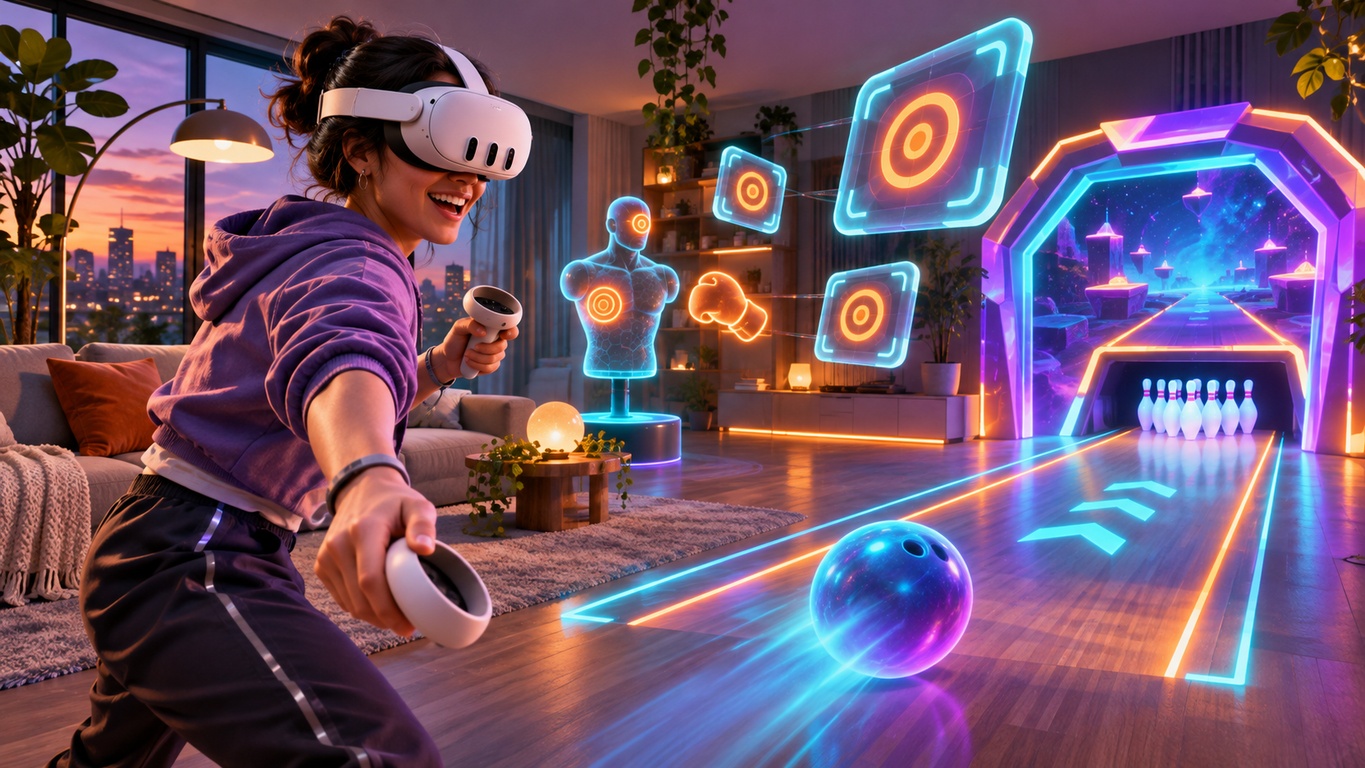
Want to explore mixed reality without buying another game? The Meta Quest 3 and Quest 3S can bring digital characters, objects and activities into the room around you. Some of the most interesting experiences are free to download, making them ideal for a first look at what passthrough gaming can do.
These four picks offer different ways to play: a quick alien-catching challenge, a full arcade of mini-games, a robot-building workshop and hands-on puzzles. They are not identical experiences, and some are shorter demonstrations rather than long-running games. Here is what to expect before you install them.
What Makes a Mixed Reality Game Different?

Traditional virtual reality replaces your surroundings with a digital environment. Mixed reality uses headset cameras and passthrough to keep your real space in view while virtual elements appear within it. A game might place targets near your furniture, bring a bowling lane into view or open a portal to another world.
Not every free VR title includes mixed reality, so check the store description rather than assuming all Quest games use your room. Clear a comfortable play area, follow your headset's boundary guidance and keep fragile items out of reach before starting.
1. First Encounters — A Great First Mixed Reality Experience

Best for: First-time Quest owners who want a short, playful introduction.
Meta's First Encounters brings lively alien creatures into your room. They burst through virtual openings, and you try to catch as many as possible before time runs out. It is easy to understand, quick to play and demonstrates how digital events can appear connected to physical surroundings.
Its main limitation is length: this is a compact showcase rather than an arcade you return to for several different game modes. Start here if you want to see mixed reality in action with very little setup.
2. Nexus Arcade — Four Games in One Free Download
Best for: Players who want variety and reasons to keep coming back.
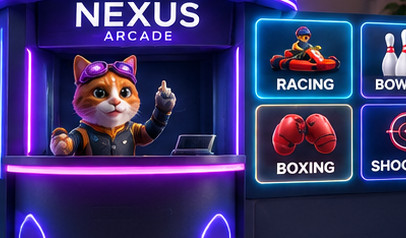
Nexus Arcade takes a different approach: instead of a single short activity, it offers four arcade experiences in one free game for Meta Quest 3 and Quest 3S. Visit your arcade booth, choose what to play and bring the experience into your space.
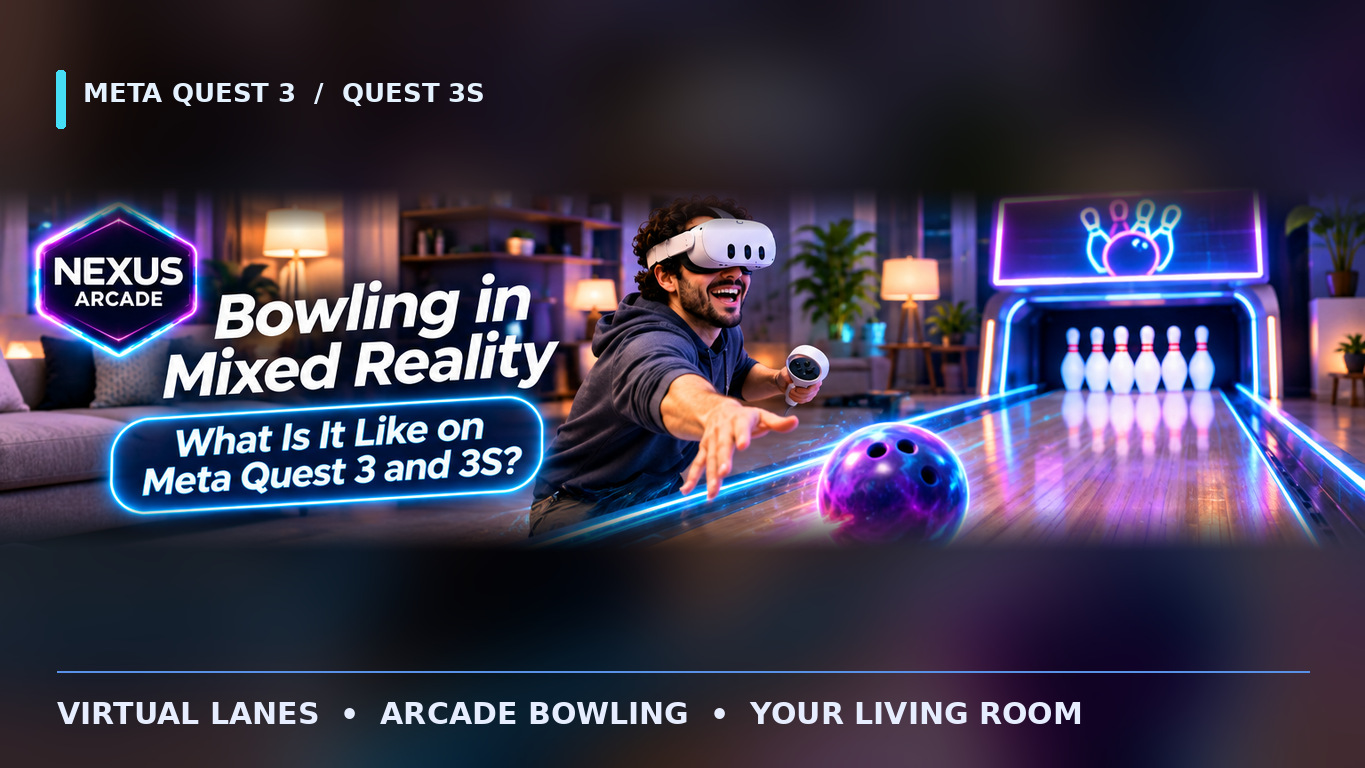
Try Turbo Tracks for kart racing through virtual portals, Tenpin for bowling, boxing for timed mitt challenges or Blast Arena for arcade target shooting. Quests, in-game Diamonds and unlockable items add progression beyond the first session. Diamonds are in-game rewards, not real-world earnings.
Nexus Arcade is currently listed as an Early Access title, so check the latest store description for current features. Get Nexus Arcade free on the Meta Horizon Store.
3. My Robot — Build and Experiment in Your Room
Best for: Curious builders and players who prefer creative challenges.
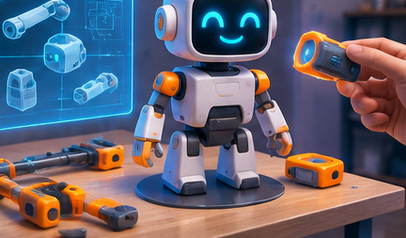
In My Robot, your room becomes a virtual robotics workshop. Follow instructions to assemble machines, explore how different parts work and test what you have built in themed activities. An open-ended building mode lets you experiment beyond the guided projects.
It is more of a construction sandbox than a fast arcade game. If you enjoy tinkering, solving practical problems and watching your creations respond to the surroundings, it offers a very different use of mixed reality.
4. First Hand — Discover Hands-On Interaction
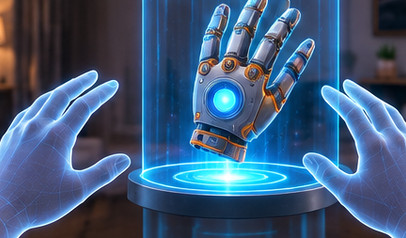
Best for: Exploring hand tracking and natural virtual controls.
Meta's free First Hand experience focuses on interacting with virtual switches, levers and objects, including a sequence where you assemble special gloves. It shows what grabbing, touching and manipulating digital items can feel like without treating them as ordinary menu buttons.
Think of it as an interactive technology showcase rather than a long campaign. It is particularly interesting after First Encounters because it highlights another side of immersive interaction.
How to Choose the Right Free Quest Experience

For a quick introduction, start with First Encounters. For creative construction, try My Robot. If hand interactions interest you, explore First Hand. And if you would rather have several ways to play, including racing, bowling, boxing and shooting, Nexus Arcade is the more varied option.
Before downloading, check three things on the current Meta Horizon Store listing:
- Compatibility: Confirm that your Quest 3 or Quest 3S is supported.
- Price: A free download may still offer optional purchases or paid features.
- Play space: Make room for safe movement and check each game's requirements.
Mixed reality is at its best when the game feels connected to the space you already know. You do not need to buy several titles to find out which style you enjoy. Start with a free experience, learn what feels comfortable and try another category when you are ready.
Ready to turn your room into an arcade? Download Nexus Arcade free for Meta Quest 3 and 3S and discover four mixed-reality game modes in one place.