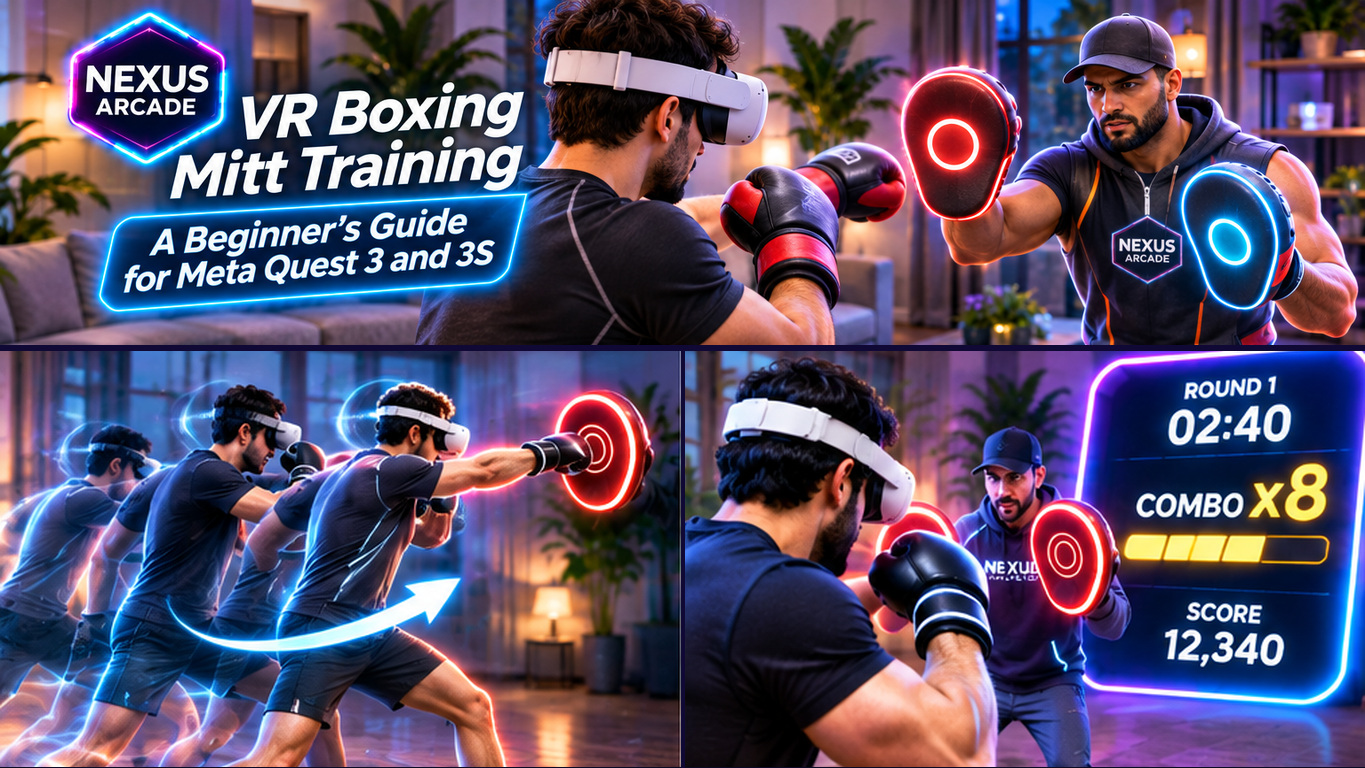

Mixed reality is especially fun with friends. On Meta Quest 3 and 3S, you can play alongside someone in your room or meet remotely online. Your best choice depends on whether you prefer arcade challenges, sports, battles or cooperative adventures.
Here are five multiplayer mixed reality games to explore. Check each current listing for prices, player modes and headset support.
Local or Online: How Does Mixed Reality Multiplayer Work?

Online multiplayer connects friends in different places and synchronises their gameplay. Local multiplayer, often called colocation, lets headset users in the same physical area see shared virtual objects in corresponding positions.
A game can offer online matches without colocation, and player counts may differ by mode. In shared-room sessions, remember that other players are physical obstacles.
1. Nexus Arcade — A Free Mixed Reality Arcade with Social Play
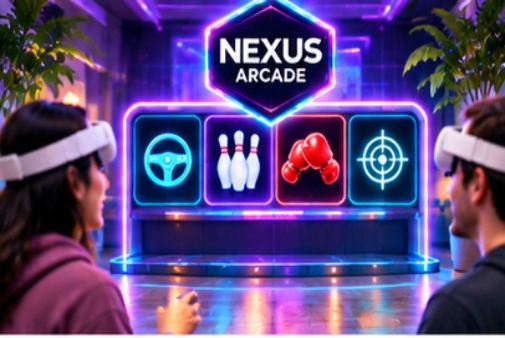
Best for: Players who want several quick arcade activities from one free download.
Nexus Arcade brings racing, ten-pin bowling, boxing mitt challenges and shooting targets into a single Quest 3 and 3S experience. Its room-based arcade booth is a starting point for choosing games, checking quests and exploring unlockable items.
Multiplayer and local-play options depend on the current release and activity. Tenpin bowling is designed around a shared lane and turn-taking. Not every mode is head-to-head: Turbo Tracks also includes solo racing against AI opponents. Check the available session options before inviting friends.
The arcade is free to download. Find Nexus Arcade on the Meta Horizon Store.
2. Home Sports — Five Sports for Local or Online Play

Best for: Friends who prefer friendly sports challenges and active movement.
Home Sports from Resolution Games combines pickleball, hockey, bowling, mini golf and badminton. The developer lists local and online multiplayer for up to four people, with activities adapted to your play space.
It suits friendly competition rather than long story campaigns. Check the space requirements and spatial-sharing setup. Home Sports is paid.
3. Spatial Ops — Turn Your Space into a Team Battlefield
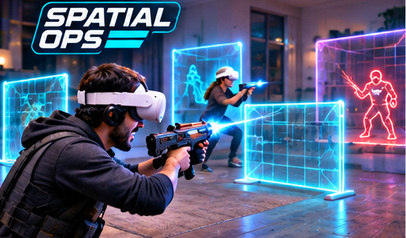
Best for: Competitive groups looking for room-scale action.
Spatial Ops transforms real environments into arenas for team-based combat. Its co-located modes include matches such as free-for-all, team deathmatch, capture the flag and cooperative survival. The public Quest store listing describes battles with up to eight players in the same physical environment.
It is more physical than a turn-based party game. Make sure everyone understands the room layout and the current player and space requirements.
4. BAM — Small-Scale Battles on a Virtual Table
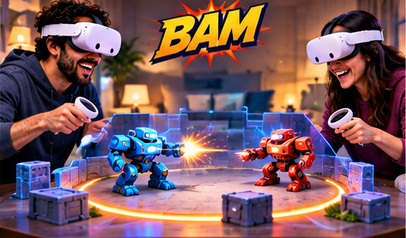
Best for: Players who enjoy quick, colourful competitive battles.
BAM from I-Illusions lets you place and adjust a miniature arena, then control a small fighter in fast-paced matches. Rather than making the whole room into a battlefield, it concentrates the action in a virtual play space that you can look down on.
BAM includes local and online competition plus bot matches. Its puppet-style controls suit quick rounds without needing an entire room as a sports court.
5. Demeo — Cooperative Tabletop Adventures in Mixed Reality

Best for: Friends who enjoy strategy, teamwork and longer sessions.
Demeo is a cooperative fantasy tabletop adventure for up to four players. Its mixed-reality mode lets the digital board feel like part of your physical surroundings, while players plan moves, manage abilities and face enemies together.
Demeo rewards discussion rather than fast reactions. It suits groups wanting shared decisions instead of physical sport. Check its paid Quest listing for availability.
Which Multiplayer Quest Game Should Your Group Choose?
Start with Nexus Arcade for free arcade variety, Home Sports for sport, Spatial Ops for action, BAM for quick battles or Demeo for strategy. Confirm online versus same-room support, headset requirements and whether each player needs a copy.
For colocation, clear obstacles, keep pets away and follow Quest boundary guidance. Passthrough is not a substitute for normal vision.
Want a free starting point for your next gaming session? Download Nexus Arcade for Meta Quest 3 and 3S, explore the arcade and check which multiplayer experiences are available in your current build.