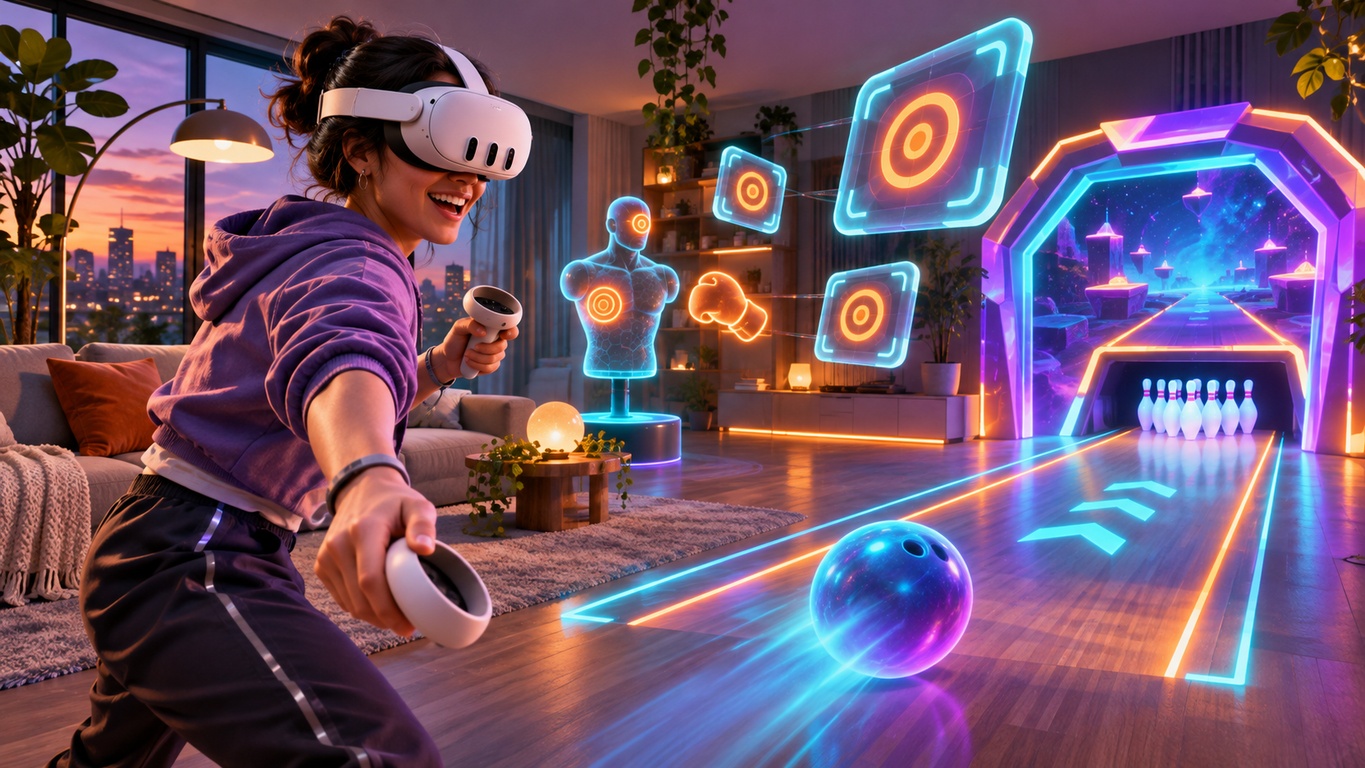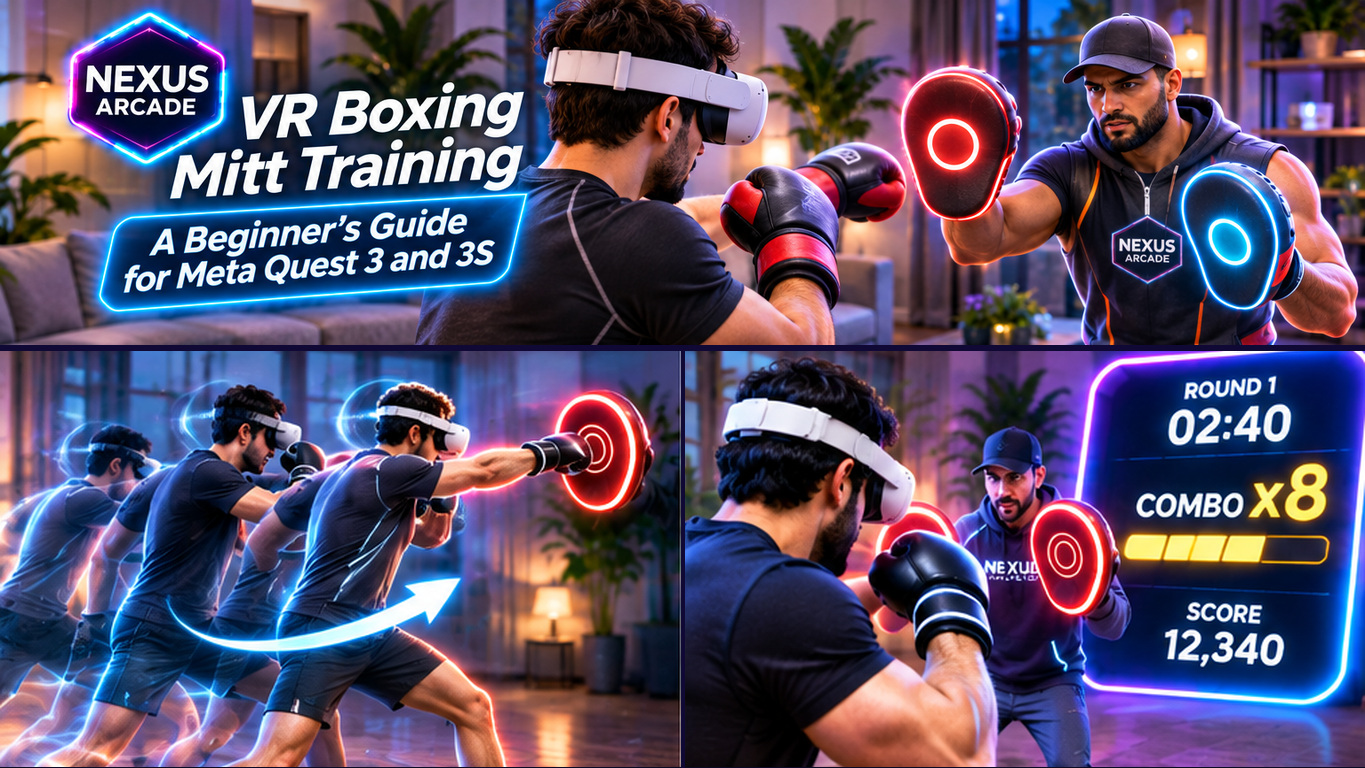

A virtual shooting range can turn a few minutes on Meta Quest 3 or Quest 3S into a satisfying test of timing, aim and concentration. Some focus on relaxed practice, others on fast arcade rounds or detailed equipment handling.
If you are choosing a Meta Quest shooting range game, look beyond the screenshots. Targets, controls, comfort and replayability make a difference. Here are six things worth checking before you download.
1. Choose the Right Style: Arcade or Simulation

In an arcade shooter, the fun often comes from quick rounds, visible targets, clear scores and challenges that grow harder as you improve. You can learn the basics without spending ages studying menus. A simulation may instead emphasise detailed interactions, different equipment and more deliberate sessions.
For short sessions, look for straightforward arcade rounds. For detailed virtual ranges, inspect the controls and modes. Also remember that a virtual range is entertainment, not a substitute for real-world instruction or safety training.
2. Look for Targets That Keep Changing

A single stationary target is a useful introduction, but variety keeps shooting games interesting. Good challenges might introduce targets that move from side to side, rotate, appear unexpectedly or ask you to prioritise accuracy under a time limit.
Notice whether a game explains the objective before a round. Is it clear what to hit, when a round ends and whether you are improving? Look for progression that develops your reactions without becoming confusing. In Nexus Arcade's Blast Arena, target-based rounds form part of the broader mixed-reality arcade experience, giving players a different challenge from racing, bowling or boxing.
3. Check How Aiming and Reloading Feel
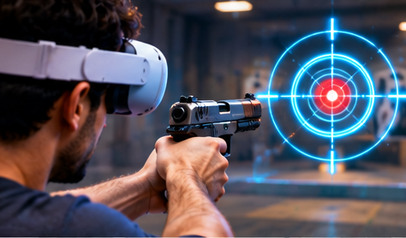
Responsive interactions matter as much as flashy effects. Check controller support, tutorials and comfortable playing positions.
Some virtual shooting games include manual magazine handling or other reloading interactions; others use simpler arcade controls. Neither is a requirement for a good experience. What matters is that the actions make sense and do not interrupt every attempt. Start with the game's instructions, keep the controller straps on and use small, controlled movements rather than exaggerated gestures.
4. Prefer Useful Scores and Replayable Challenges
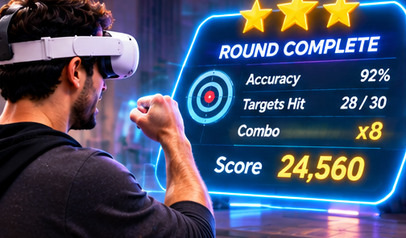
One of the pleasures of target shooting is seeing a clear result after each round. Scores can encourage you to try again, especially when the game lets you compare similar challenges rather than changing the rules without warning.
Look for understandable scoring, round completion feedback and difficulty choices that match your ability. Leaderboards can add competition if they are supported, but they are not essential. In Nexus Arcade, Blast Arena is designed around escalating target challenges, scoring and additional gameplay variety. The wider arcade also has quests and in-game Diamonds to explore; always follow the current game rules for any rewards or unlocks.
5. Think About Mixed Reality, Comfort and Space

Mixed reality shooting can place targets inside your room using Quest passthrough, while traditional VR shooting replaces the surroundings with a virtual setting. Both can be enjoyable, but the mixed-reality approach makes your physical environment part of the presentation.
Choose a clear area, check your headset boundary and make sure you can raise and turn your controllers without hitting furniture, lights or other people. Keep pets away while playing. Passthrough does not show the world exactly as natural vision does, so do not assume every obstacle or distance will be perfectly represented. If the game offers seated, standing or comfort settings, check which ones fit your space.
6. Pick a Game You Will Want to Return To

Before installing, check five practical details on the current Meta Horizon Store page: supported headset, price, comfort rating, available play modes and whether an internet connection is required. Read the description for actual features rather than assuming every shooting game includes multiplayer or every difficulty mode.
If you enjoy several kinds of arcade challenge, Nexus Arcade offers an appealing alternative to downloading a standalone range game. Its Blast Arena mode focuses on virtual targets, while Tenpin, Turbo Tracks and boxing mitt training give you other activities to try when you fancy a change.
Start with a manageable mode, learn the rules and enjoy improving over repeat sessions.
Want to test your aim in mixed reality? Download Nexus Arcade free on the Meta Horizon Store for Quest 3 and Quest 3S, then choose Blast Arena from your arcade.